Delete your data.
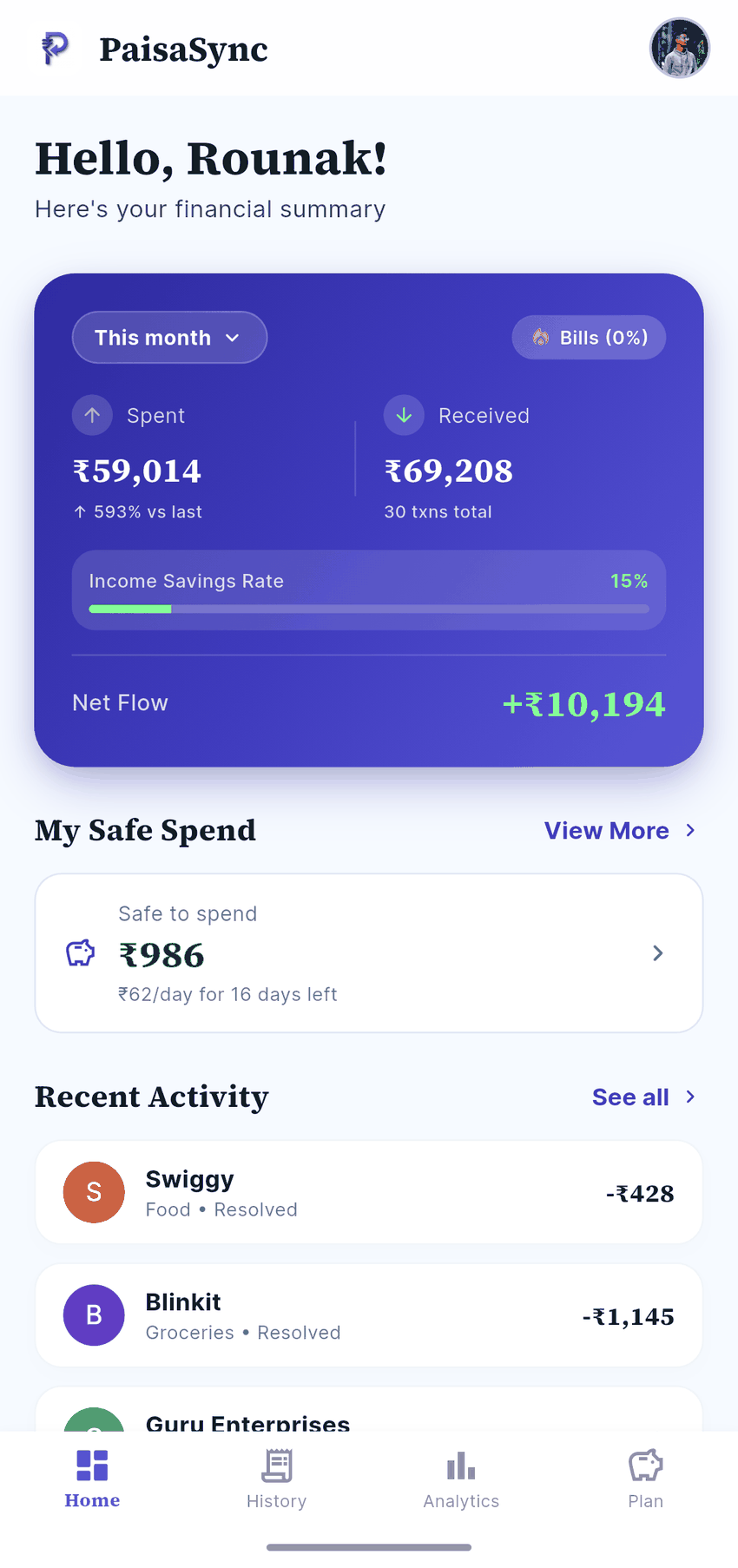
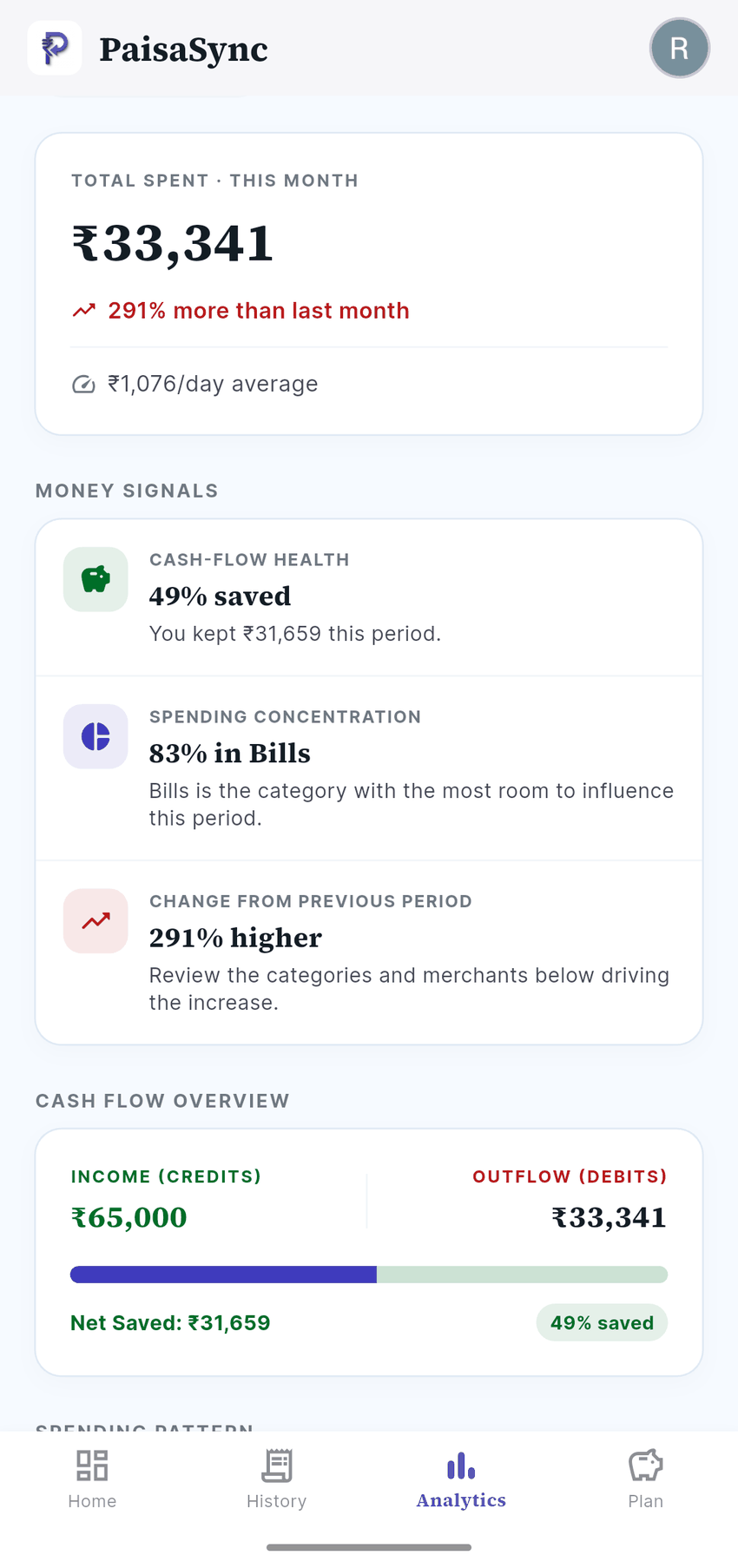
Financial data — instantly, in the app
Open PaisaSync › Profile › Erase all data. You will be asked for your PIN to confirm.
This permanently deletes every transaction, linked account, budget, goal, holding and saved merchant correction from your device, along with your PIN. It cannot be undone. Uninstalling the app removes the same data.
Account details — by request
To delete the account record we hold, email rounak@paisasync.app from the email address associated with your account, with the subject “Delete my account”.
That record contains: your Google user ID, email address, display name, profile photo URL, sign-in provider, device platform, and the dates you first and last used the app.
We will delete it within 30 days and confirm once it is done. Any analytics history associated with you is deleted at the same time.
What we never held
No transaction, amount, merchant, bank name, account number, balance, budget, goal or SMS content is ever stored on our servers — so there is nothing of that kind for us to delete.