Simple guide
Setup in seconds.
PaisaSync automates your financial bookkeeping by syncing directly with the SMS logs your bank already sends you. Here is exactly how it functions.
- 01
Install App
Download securely from the Google Play Store.
verifiedOfficial Play Store release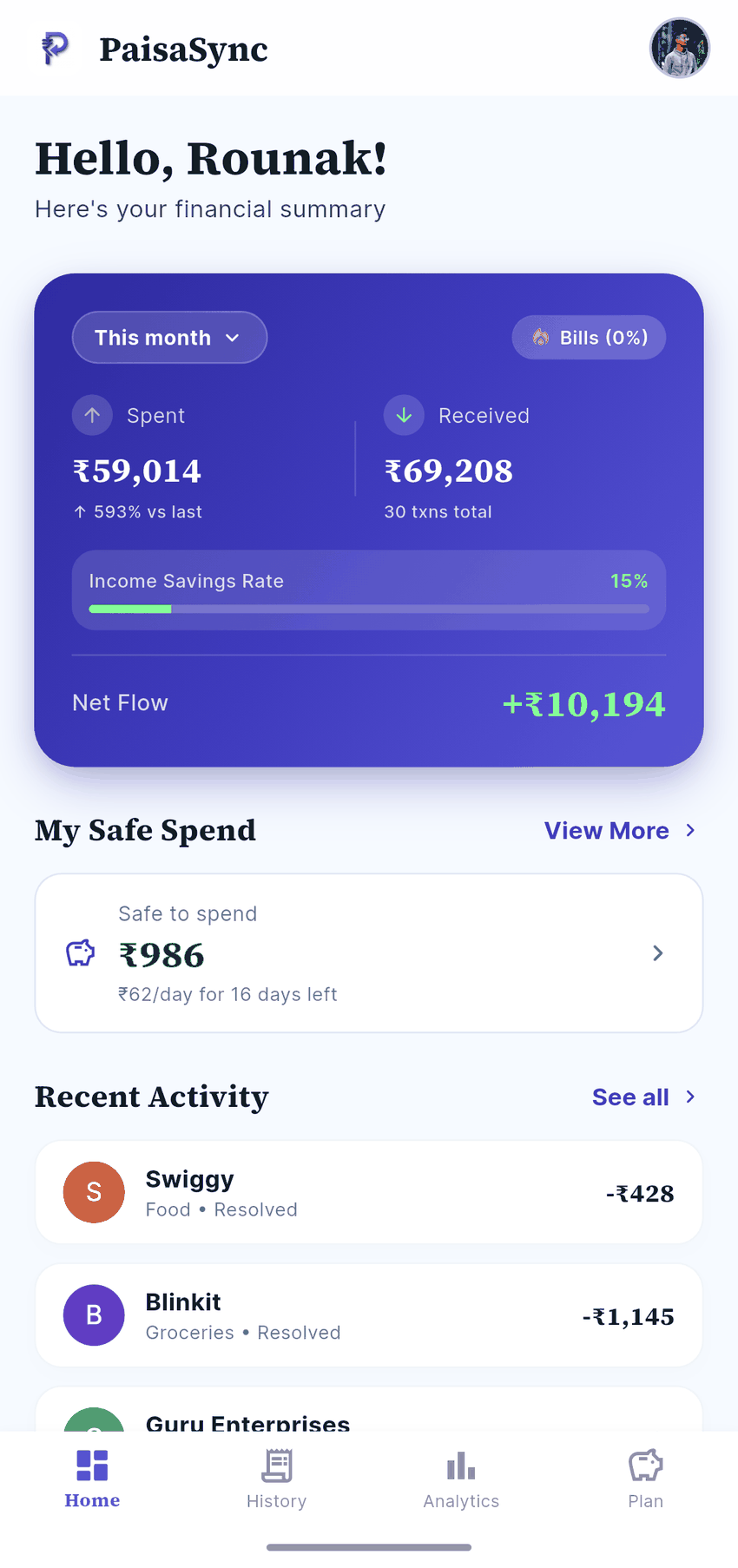
- 02
Allow Access
Grant SMS permission for on-device parsing only — no message content leaves your phone.
security100% offline, local permission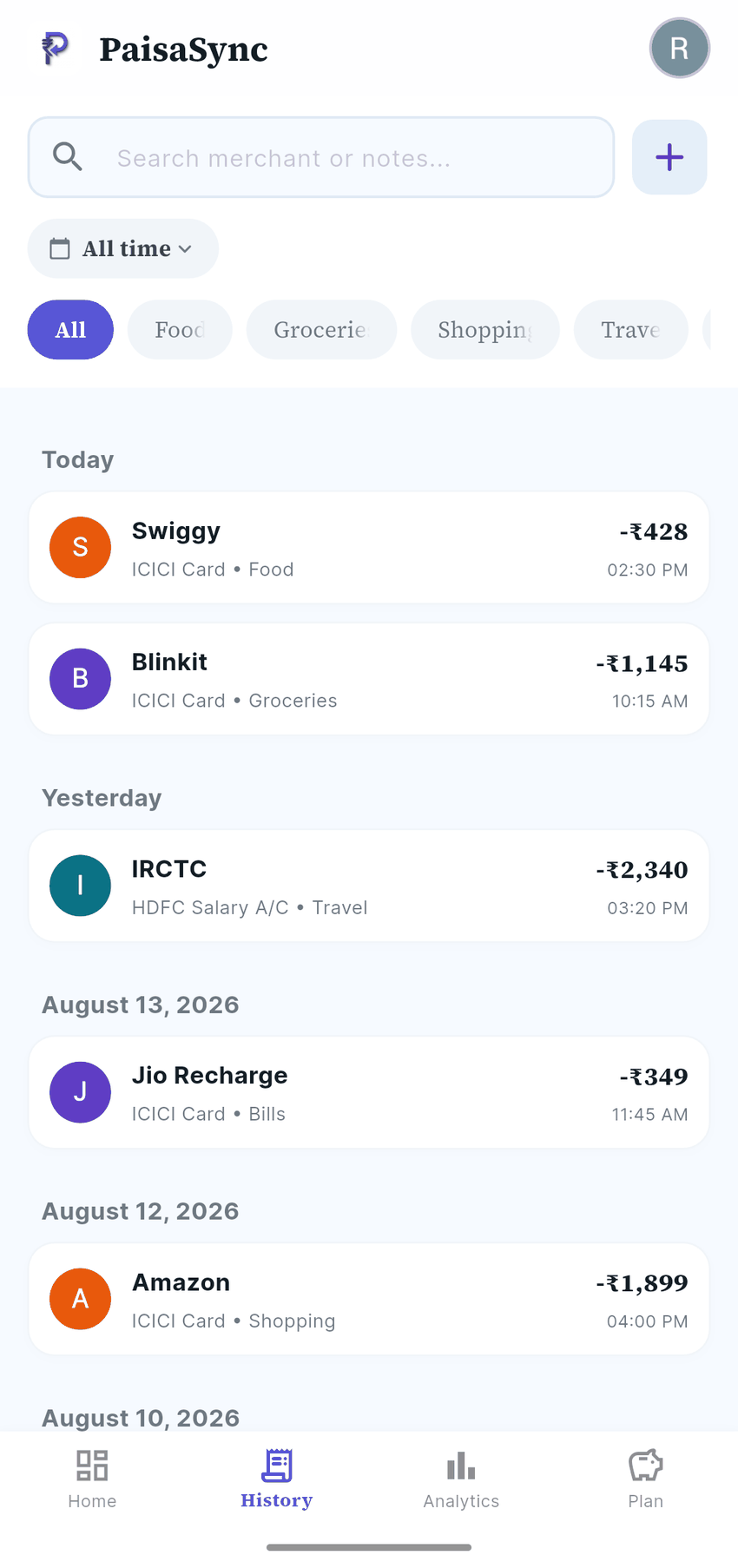
- 03
You're Done
Watch as your last few months of transactions organise themselves in seconds.
boltAuto-sorts Swiggy, Zomato, UPIs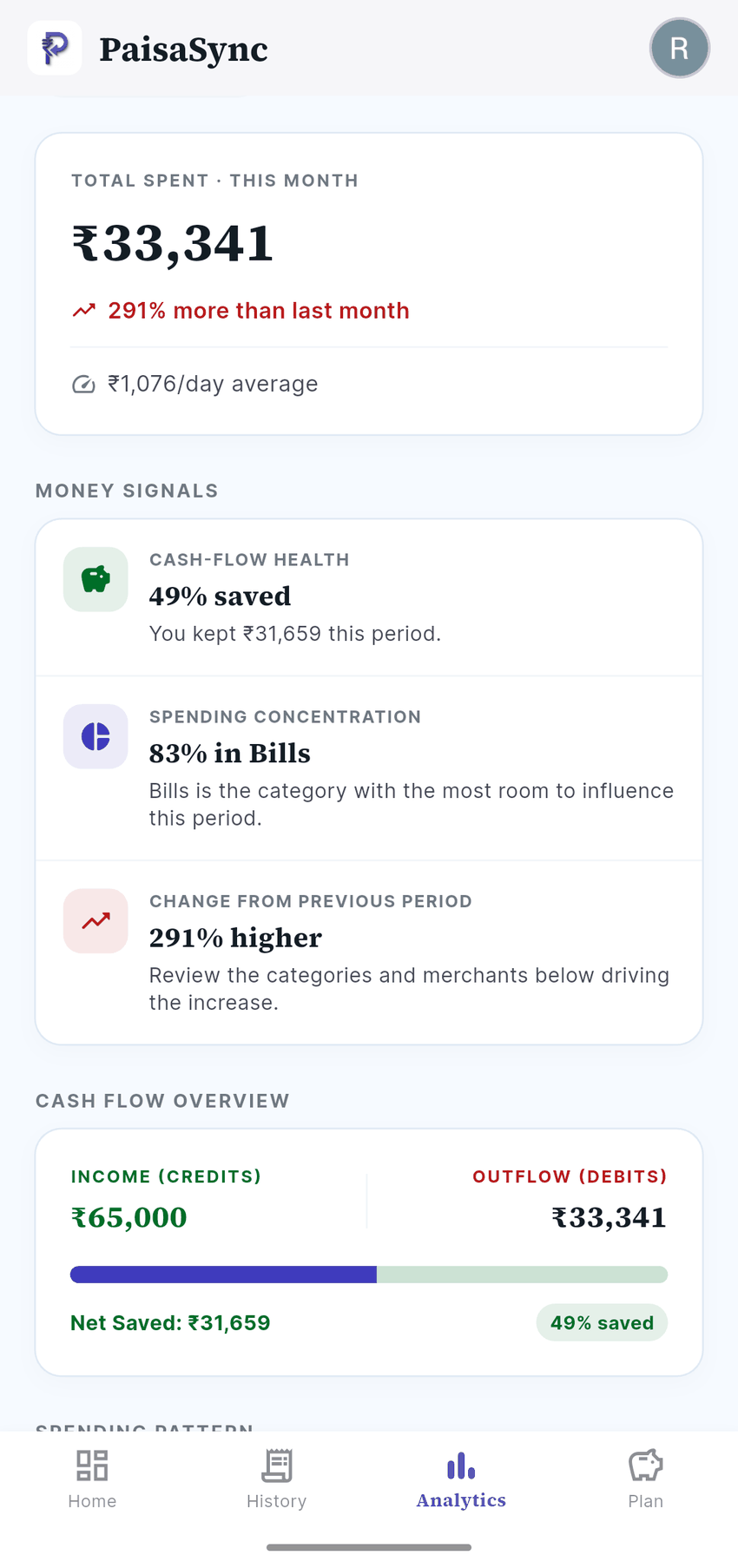
Have questions about safety or device compatibility?
Read our dedicated FAQ page where we clarify permission requirements, bank coverage, backup options, and iOS support constraints.
