The short answer
SMS permission is powerful, so it deserves a real decision rather than a reflex tap. It is safe to grant to an app that processes messages on your phone, only looks at financial alerts, and does not upload message content — and unsafe to grant to an app that cannot clearly tell you those three things.
This post explains what the permission actually allows, why a tracker needs it, and how to check any app before saying yes. I build PaisaSync, which asks for this permission, so I will also explain exactly how we use it.
Why a tracker asks for SMS at all
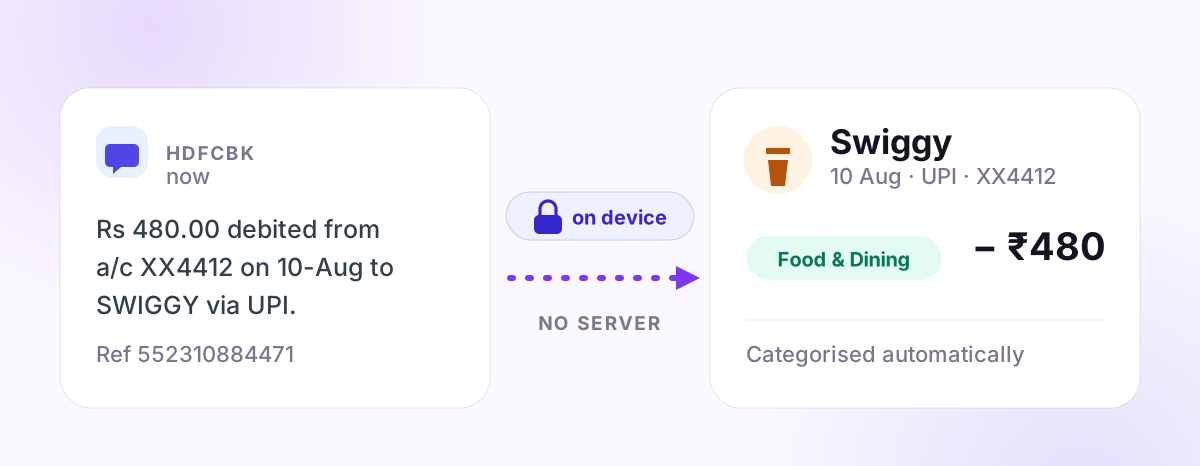
In India, your bank sends a text for most debits and credits: "Rs 450 debited from A/c XX1234 to ZOMATO via UPI…". That message contains everything an expense tracker needs — amount, direction, merchant, account and date.
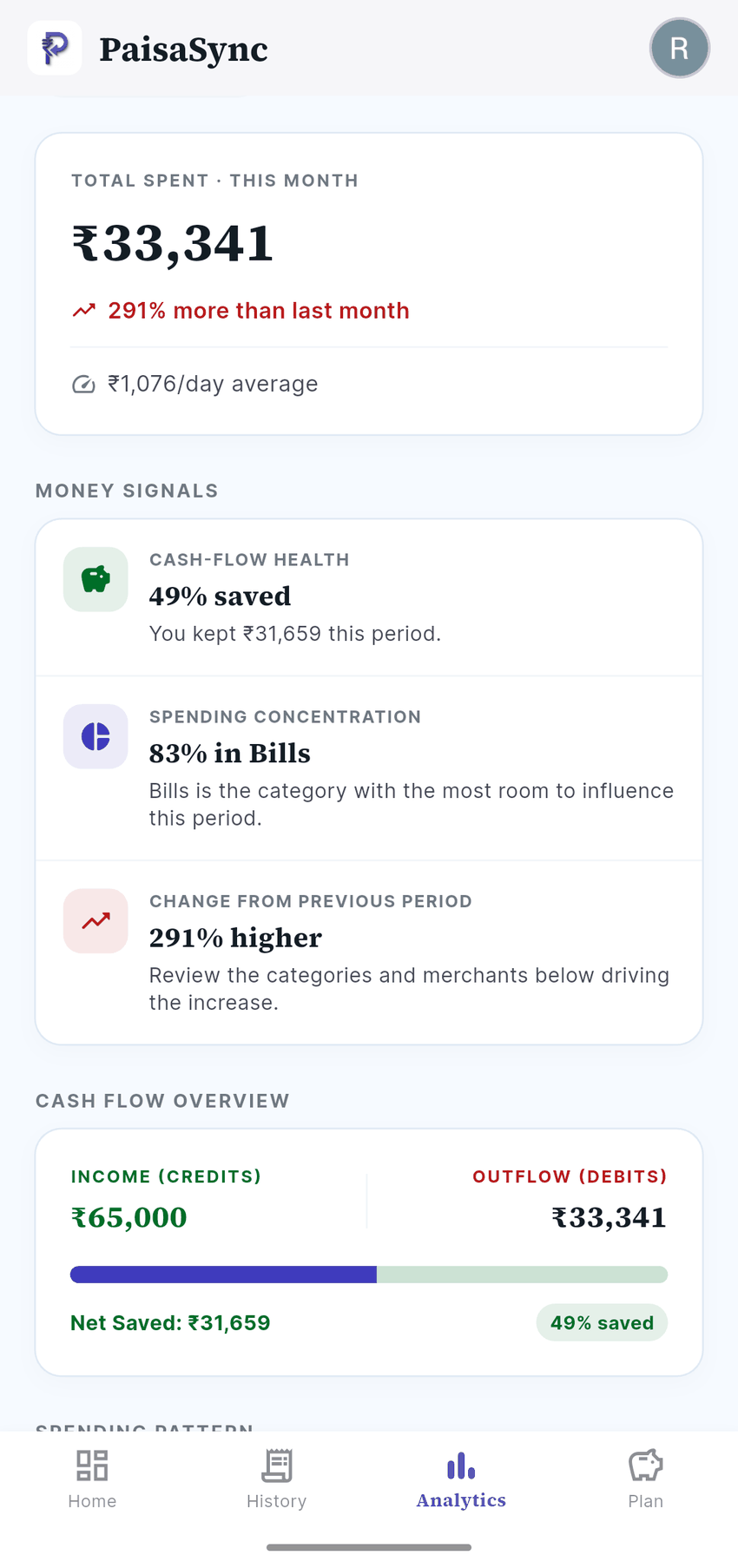
An app with SMS access can read these alerts and build your spending history automatically. Without it, you type every payment yourself. That is the whole trade: one permission in exchange for never doing manual entry again.
What the permission technically allows
It is worth being honest about this. On Android, the "read SMS" permission lets an app read the messages in your inbox and receive new ones as they arrive. That includes messages that are not about money — personal chats, delivery updates, and OTPs.
The permission itself does not limit an app to bank messages. The app's own design does. That is why the questions below matter more than the permission prompt.
Google Play also restricts this permission: apps must declare why they need it and get approved for a permitted use case such as financial tracking. That is a meaningful filter, but not a substitute for checking the app yourself.
Five checks before you tap "Allow"
1. Is the message processed on the phone or on a server?
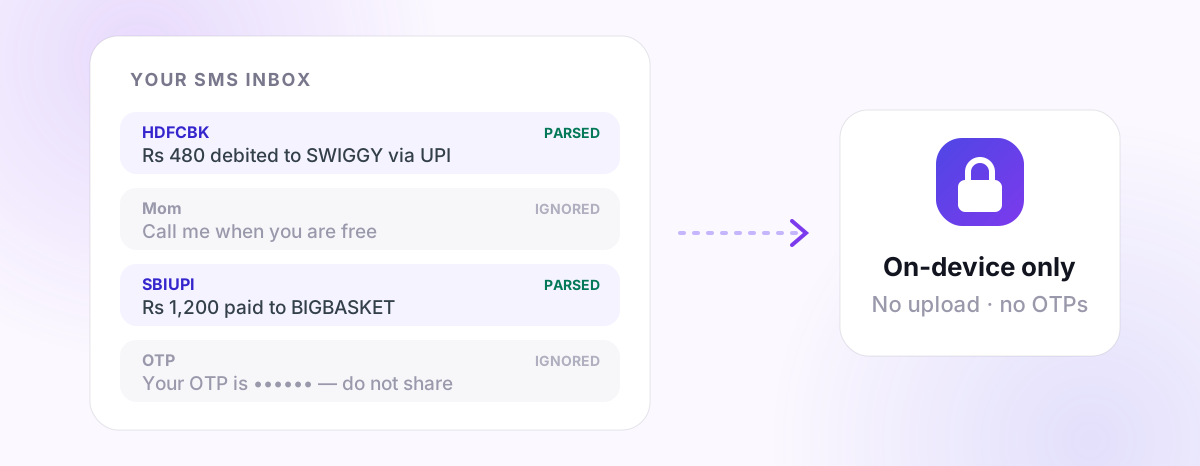
This is the most important question. If SMS text is uploaded to a company's servers for parsing, your messages now exist somewhere you do not control. If parsing happens on-device, the text never leaves your phone.
Look for a clear statement in the app's privacy policy or Play Store Data Safety section.
2. Does it only look at financial messages?
A tracker should filter for transaction alerts from banks and payment services and ignore everything else. Ask whether the app says so explicitly.
3. Does it ever need your OTP?
A tracker has no reason to use your OTPs. Treat any app that asks you to share or forward an OTP as a scam.
4. What does the Data Safety section say?
Every Play Store listing has a Data Safety section declaring what data is collected and shared. Check it against the app's marketing. If the website says "private" but Data Safety says "SMS shared with third parties", believe Data Safety.
5. Does the business model depend on your data?
Some finance apps are free because they use your spending profile to sell loans, credit cards or ads. That is not automatically wrong, but you should know. An app funded by a paid plan, or by ads that do not use your transaction data, has less reason to want your messages.
How PaisaSync uses SMS permission
To make this concrete, here is what PaisaSync does:
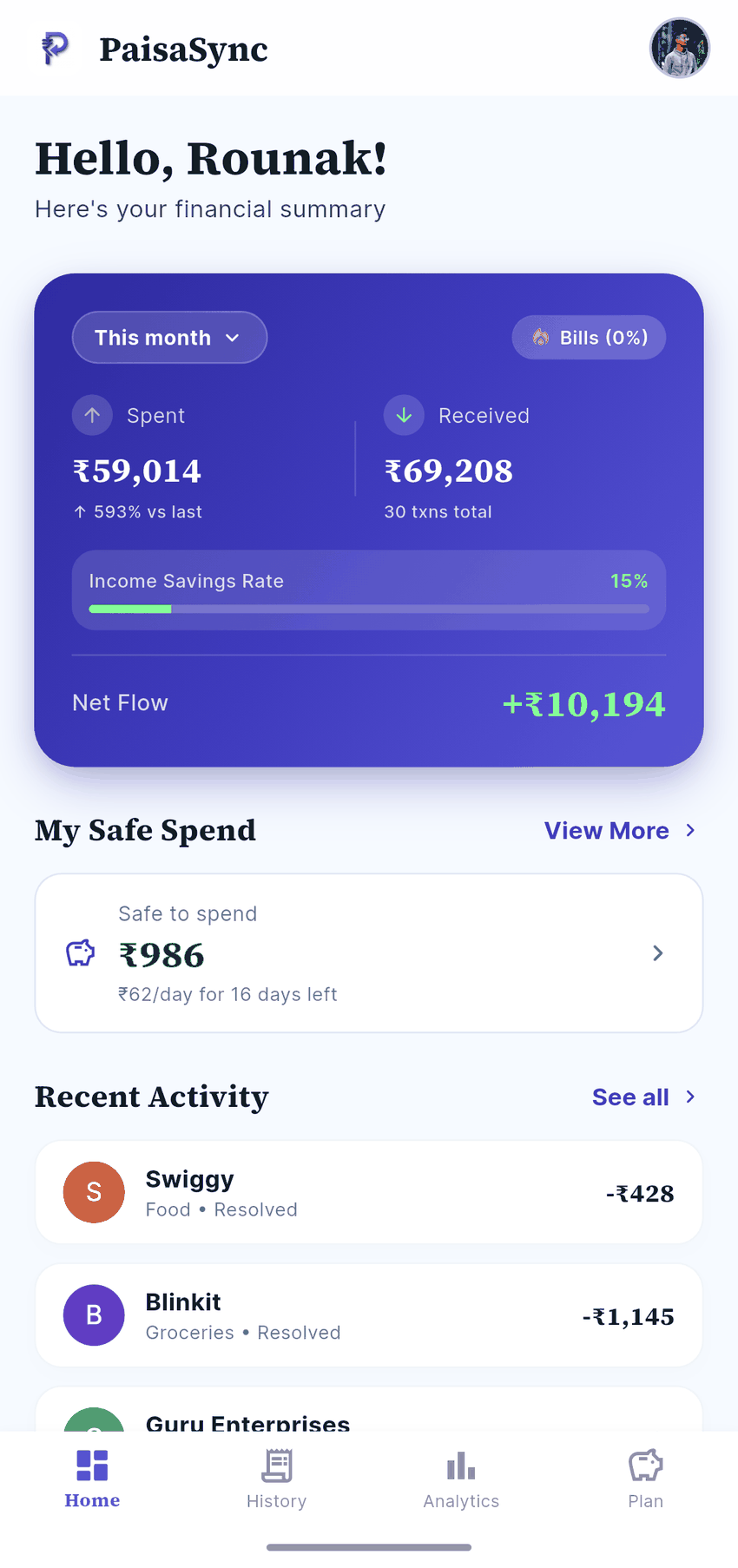
- Parses on your phone. Bank and UPI SMS are processed by the app on your device. Message content is not uploaded.
- Stores the ledger locally. The resulting transactions live in a database on your phone, not on our servers.
- Asks for no bank credentials. No net-banking login, UPI PIN or OTP — ever.
- Backs up only where you choose. Pro users can make an encrypted backup to their own Google Drive.
- Works without the permission. If you say no, you can still add expenses manually.
Some parts of the app do use the internet — Google sign-in, ads on the free plan, and app updates — and our privacy policy and security page list exactly what each one involves.
What if you still do not want to grant it?
That is a reasonable choice. Your options are:
- Manual entry in any tracker — accurate but tiring.
- Account Aggregator-based apps, which get consented bank data instead of SMS, usually with a delay.
- Monthly statement review — download your bank statement and categorise once a month.
We compare these trade-offs in how SMS-based UPI tracking works.
Bottom line
SMS permission is not dangerous by itself; what an app does with it is. Grant it to an app that parses on-device, ignores non-financial messages, never touches OTPs and says all of this plainly in its Data Safety section. Deny it to anything vaguer.
If PaisaSync passes your checks, install it and let your bank alerts turn into a budget on their own.