The short answer
An automatic UPI expense tracker records supported digital payments for you, so you do not have to open an app and log every chai, cab, grocery run or online order by hand.
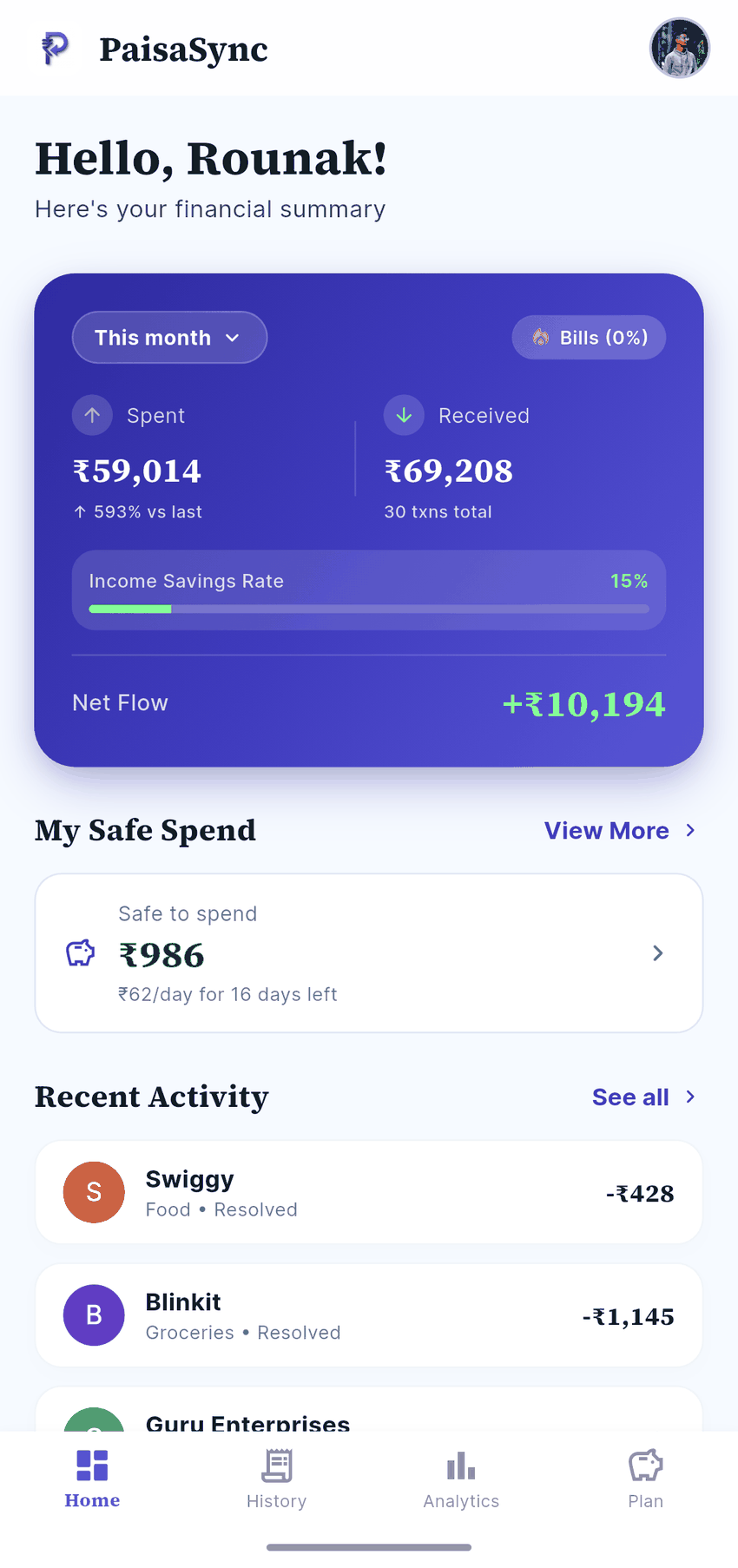
PaisaSync does this on Android by reading the bank and UPI transaction SMS already delivered to your phone. It identifies supported debit messages, creates an expense entry, groups it into a category, and updates your budget. Your transaction ledger stays on your device; PaisaSync does not need your net-banking password or bank login.
That is the useful version of “automatic”: less bookkeeping, not less control.
Why UPI spending is so easy to lose track of
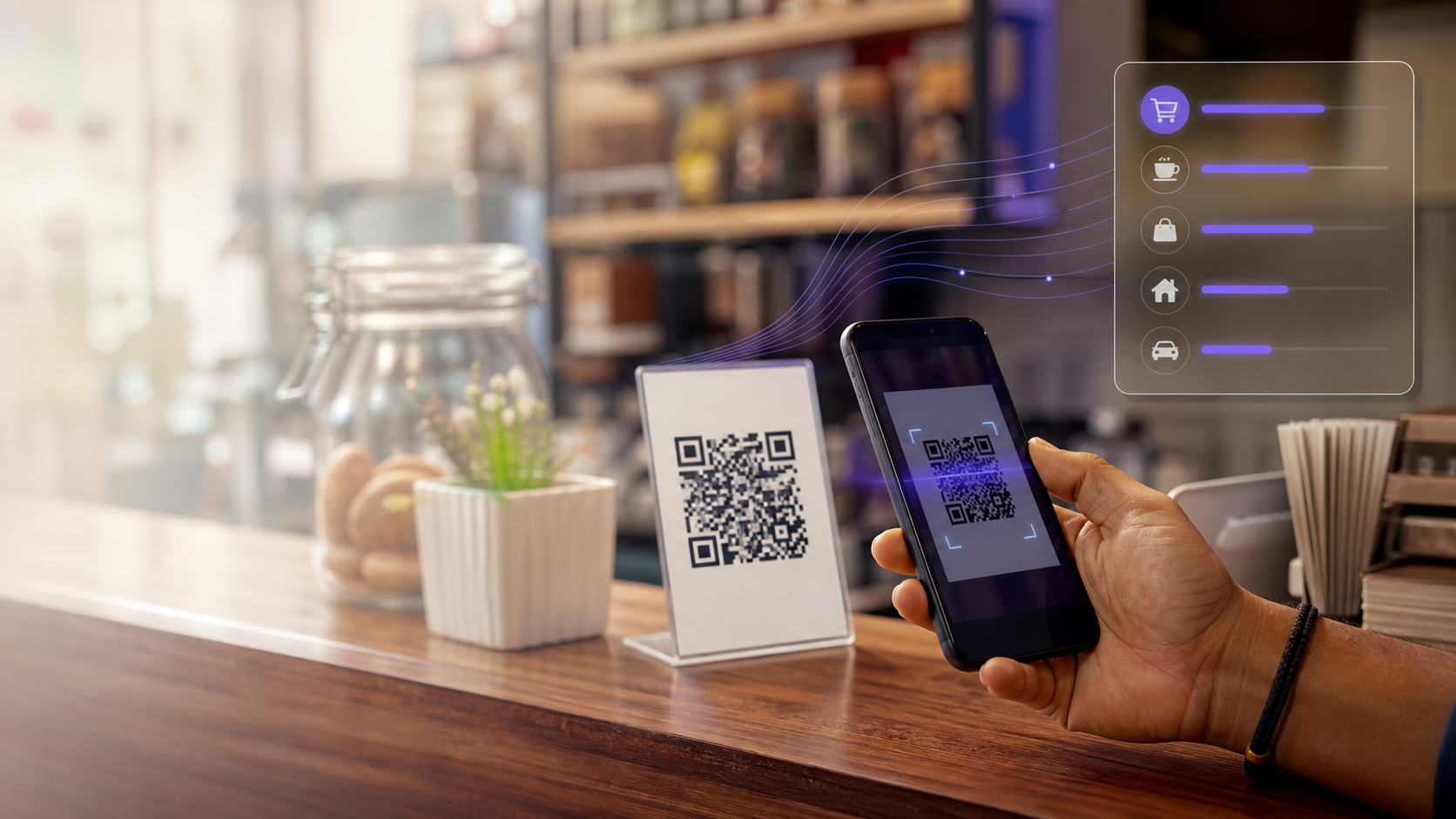
UPI is designed to make payments disappear into the background. Scan a QR code, approve, and move on. That is convenient—but it also makes small, frequent expenses hard to remember at the end of a week.
The usual manual-tracking routine looks like this:
- Make a payment.
- Remember to open an expense app.
- Enter the amount and merchant.
- Choose a category.
- Repeat it for every payment.
The failure point is not motivation. It is asking someone to do bookkeeping at the exact moment they are buying something. An automatic tracker removes the repetitive middle steps, then leaves you with a clean history you can review and correct.
How an automatic UPI expense tracker works
When a supported bank or UPI transaction SMS arrives, PaisaSync processes it locally on your phone:
- Detects the transaction alert. It filters for supported financial messages rather than treating every text as an expense.
- Extracts the useful details. The message commonly includes the amount, payment direction, merchant or reference, date, and account ending.
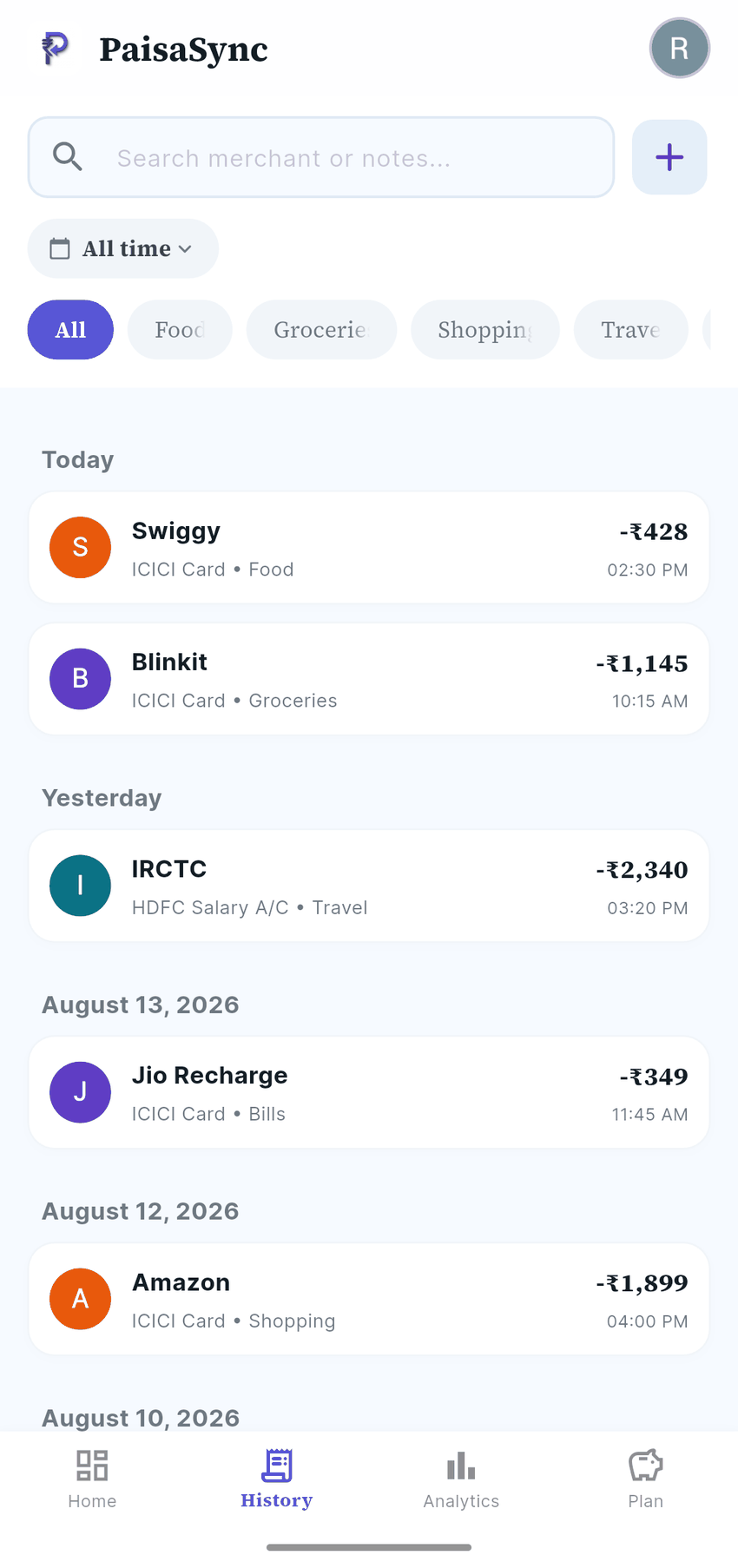
- Creates an expense entry. The payment appears in your transaction history without a separate manual entry.
- Organises the entry. Categories and budgets turn a list of payments into an answer to “where did my money go?”
This approach works because the source is already on the device. It does not require PaisaSync to sign in to your bank account, scrape a bank statement, or keep a copy of your transaction history on a company server.
What you can see after the tracking happens
An expense list is only the start. The point is to make a decision before another month slips away.
With PaisaSync, your automatically captured spending can help you:
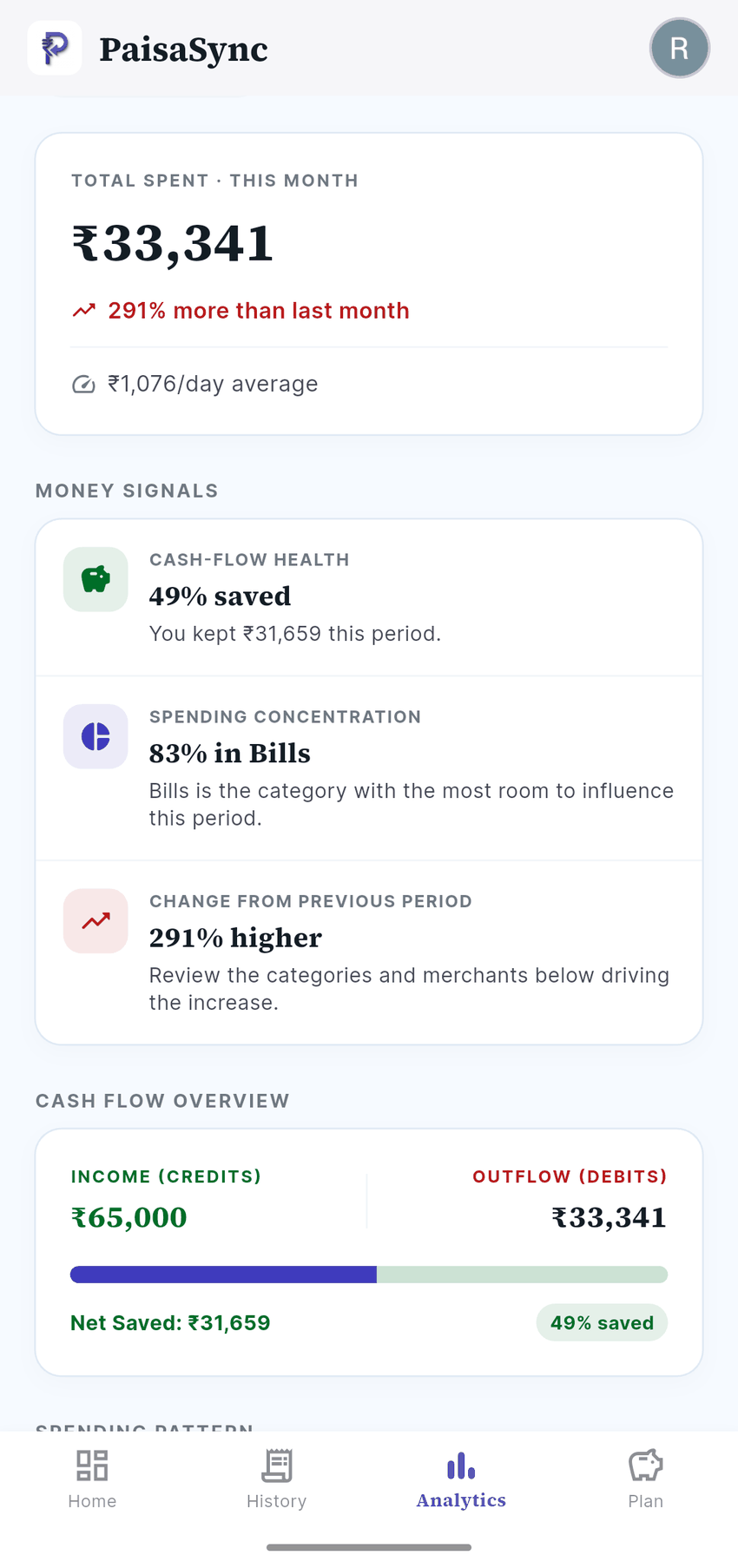
- See total spending for the month instead of estimating it from memory.
- Spot which categories are growing: food delivery, transport, shopping, bills, or subscriptions.
- Compare spending against the budget you set.
- Review a transaction later and correct a category or add a manual expense when needed.
- Keep cash and any unsupported payments in the same ledger with manual entries.
What “automatic” does—and does not—mean
It is worth being precise here. An automatic UPI expense tracker is not magic and it should not pretend to be.
It can automatically capture a payment when your bank or payment flow sends a supported transaction SMS. It may not capture an expense if no relevant SMS is sent, if a bank changes its message format, or if the payment happens entirely outside that bank-message trail.
Common examples that may need manual entry include:
- Cash payments.
- UPI Lite payments that do not produce a per-transaction bank SMS.
- Wallet spending that does not generate a usable bank transaction alert.
- A newly changed or unsupported SMS format.
That is still a far better starting point than typing every single payment. The healthy habit is simple: let PaisaSync do the repetitive capture, then spend a minute reviewing anything that could not be detected.
If an expense tracker has missed transactions for you before, read why trackers miss transactions. It explains the common causes and what an app can recover after Android pauses it in the background.
Why not just use your payment app history?
Google Pay, PhonePe, Paytm, and bank apps show individual payment histories. They are helpful for checking whether one payment went through. They are not built to be a single, organised spending system across the different ways you pay.
An expense tracker gives that history a job: it brings supported bank and UPI alerts into one ledger, assigns categories, and compares them with the budget you actually care about. The goal is not another place to view a payment; it is a clearer picture of your spending.
Why privacy matters for an expense tracker
Financial data is unusually revealing. A transaction history can show where you shop, travel, eat, subscribe, receive medical care, and more. Convenience is not a good reason to hand over a bank password or upload that history by default.
PaisaSync is built around a simpler boundary:
- No net-banking credentials or OTPs.
- Transaction parsing happens on your Android phone.
- Your transaction ledger stays in the local app database.
- The app can work without an internet connection for its core tracking.
For a detailed comparison of local SMS parsing, Account Aggregator, and credential-based approaches, see how to track UPI expenses without a bank login.
Who should use PaisaSync?
PaisaSync is for you if you use UPI regularly and recognise one of these problems:
- You know you spend a lot, but cannot say how much or on what.
- You want automatic tracking without sharing bank credentials.
- You want a budget that reflects real payments, not a spreadsheet you forget to update.
- You prefer your financial history to stay on your own phone.
- You use more than one payment app or bank account and want one place to review supported transactions.
It is Android-only because Android allows an app to process SMS with the appropriate permission. iOS does not allow third-party apps to read SMS, so this type of local automatic tracking is not available there.
Start with the payments you already make
You do not need to change the way you pay to start understanding your spending. Continue using UPI as usual, let PaisaSync turn supported transaction alerts into an organised history, and check your budget before the next impulse buy becomes another forgotten payment.
Get started with PaisaSync to track UPI and bank spending automatically, privately, and without a bank login.
Frequently asked questions
Is PaisaSync an automatic UPI expense tracker?
Yes. On Android, PaisaSync turns supported bank and UPI transaction SMS into expense entries, then helps organise them into categories and budgets. It does not require your net-banking password.
Does PaisaSync work with Google Pay, PhonePe, and Paytm?
PaisaSync tracks supported transaction alerts from your bank and UPI payment flows rather than relying on a single payment-app login. Coverage depends on whether a usable transaction SMS is sent and supported, so it is best to review your history and add any gaps manually.
Is an SMS-based expense tracker safe?
An app should never ask for your bank password, OTP, or permission to send messages in order to track expenses. PaisaSync parses supported transaction SMS locally on your phone and keeps your transaction ledger on the device.
Will every UPI payment be captured automatically?
No tracker can guarantee that. Cash, UPI Lite, wallet-only payments, and payments without a supported transaction SMS may require manual entry. PaisaSync captures supported alerts automatically and lets you add or edit the remainder.