The short answer
The best expense tracker app for most people in India is the one you will still be using in three months. That sounds obvious, but it rules out most apps immediately: if a tracker depends on you typing every UPI payment by hand, you will stop within a few weeks — not because you are lazy, but because nobody wants to do bookkeeping at the checkout counter.
So the real question is not "which app has the most features?" It is: which app captures my spending automatically, keeps my data safe, and shows me something useful without effort?
Here is the checklist I would use. I build PaisaSync, so I obviously have a view — but every point below is something you can check on any app in five minutes, including mine.
1. Does it capture UPI payments automatically?
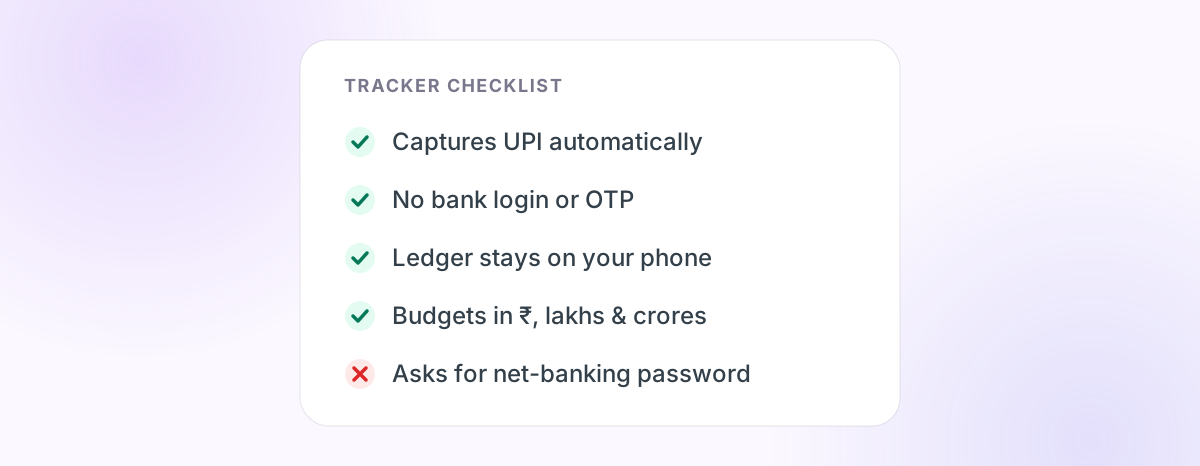
In India, most everyday spending is UPI: chai, auto rides, groceries, the ₹49 subscription you forgot about. A tracker that cannot see UPI automatically is missing the majority of your transactions.
There are three ways an app can see your payments:
- Reading bank and UPI SMS on your phone. Your bank already texts you for most debits. An app can parse those messages locally.
- Account Aggregator (AA) consent. A regulated framework that shares bank data with an app after you approve it.
- Your net-banking login. The app signs in as you. Avoid this.
We compared these in detail in how SMS-based UPI tracking works. For daily spending, SMS parsing is the most practical: it is instant, works offline, and needs no credentials.
What to check: install the app, grant permission, and see whether last month's transactions appear on their own within a minute.
2. Does it ask for your bank password or OTP?
It should not. No legitimate expense tracker needs your net-banking username, password, UPI PIN or OTP to show you where your money went.
Red flag: any app that asks you to "link your bank" by typing net-banking credentials into its own screen.
3. Where does your transaction data live?
This is the question most people skip. Your spending history reveals where you live, where you eat, who you pay, and roughly what you earn. Ask:
- Is the ledger stored on your phone, or uploaded to the company's servers?
- If there is a backup, does it go to your own cloud storage (like your Google Drive) or theirs?
- Does the privacy policy say the data is used for lending offers, credit scoring or advertising?
PaisaSync keeps the transaction ledger on the device. Optional encrypted backups go to your own Google Drive. That is a design choice, not a slogan — and you should expect any app to explain its own choice just as plainly.
4. What happens when it misses a transaction?
Every SMS-based tracker misses something: cash, UPI Lite, a bank that did not send an SMS. The question is how the app recovers.
A good tracker lets you add a manual entry in seconds and — importantly — recovers from being killed in the background by re-scanning your inbox when you open it. Our guide to why trackers miss transactions explains the nine common causes.
5. Does it understand Indian money?
Small things matter when you look at the app every day:
- Amounts in ₹ with lakhs and crores, not "1.2M".
- Categories that fit Indian spending: groceries, food delivery, fuel, rent, EMIs, recharges.
- Recognition of Indian bank SMS formats — HDFC, SBI, ICICI, Axis, Kotak and the rest — and UPI apps like Google Pay and PhonePe.
6. Does it help you decide, not just record?
A list of transactions is a bank statement. The value of a tracker is the answer to "can I afford this?" Look for:
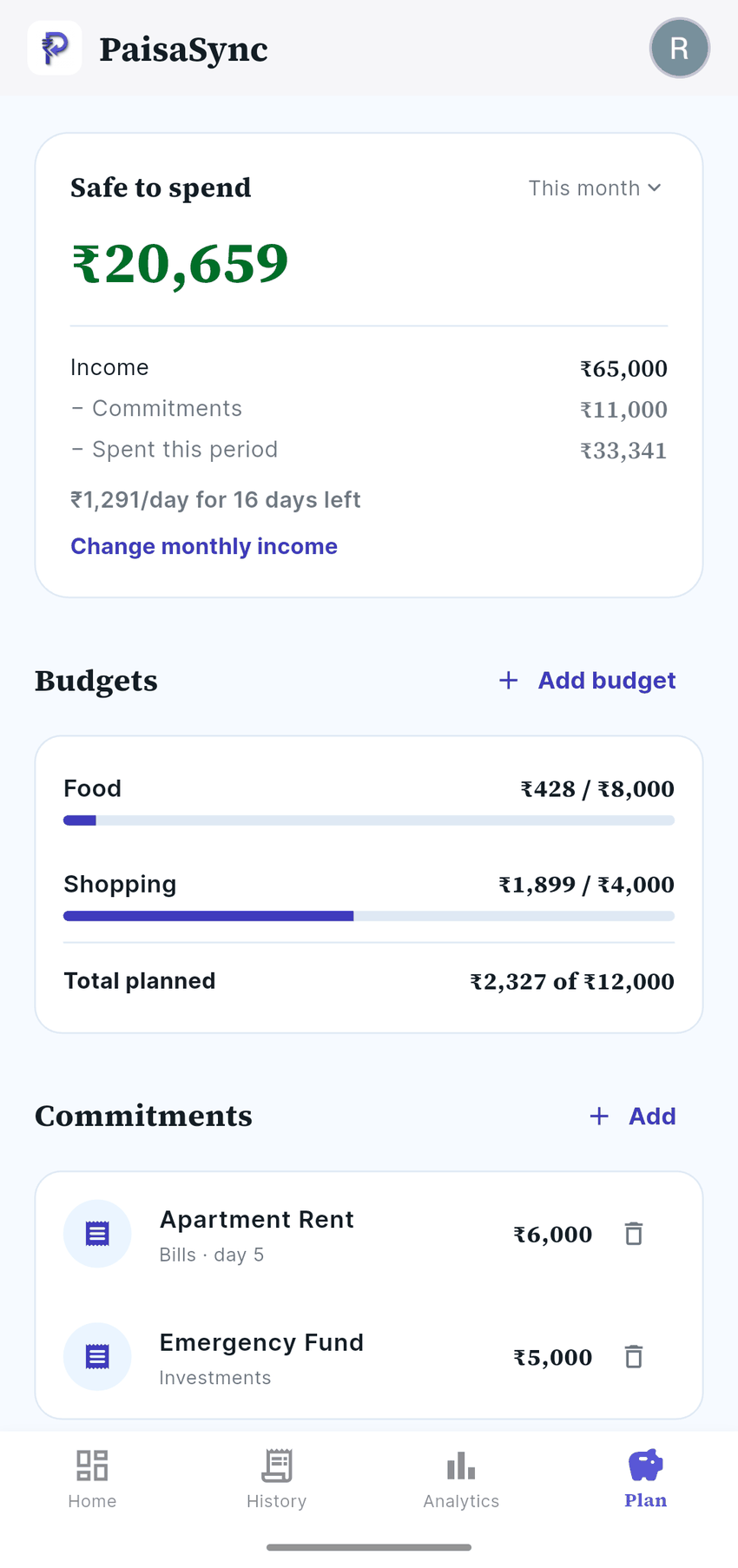
- Category budgets with a clear warning before you cross them.
- A safe-to-spend figure: income minus fixed commitments minus what you have already spent.
- Recurring bills and EMIs tracked so they are not a surprise.
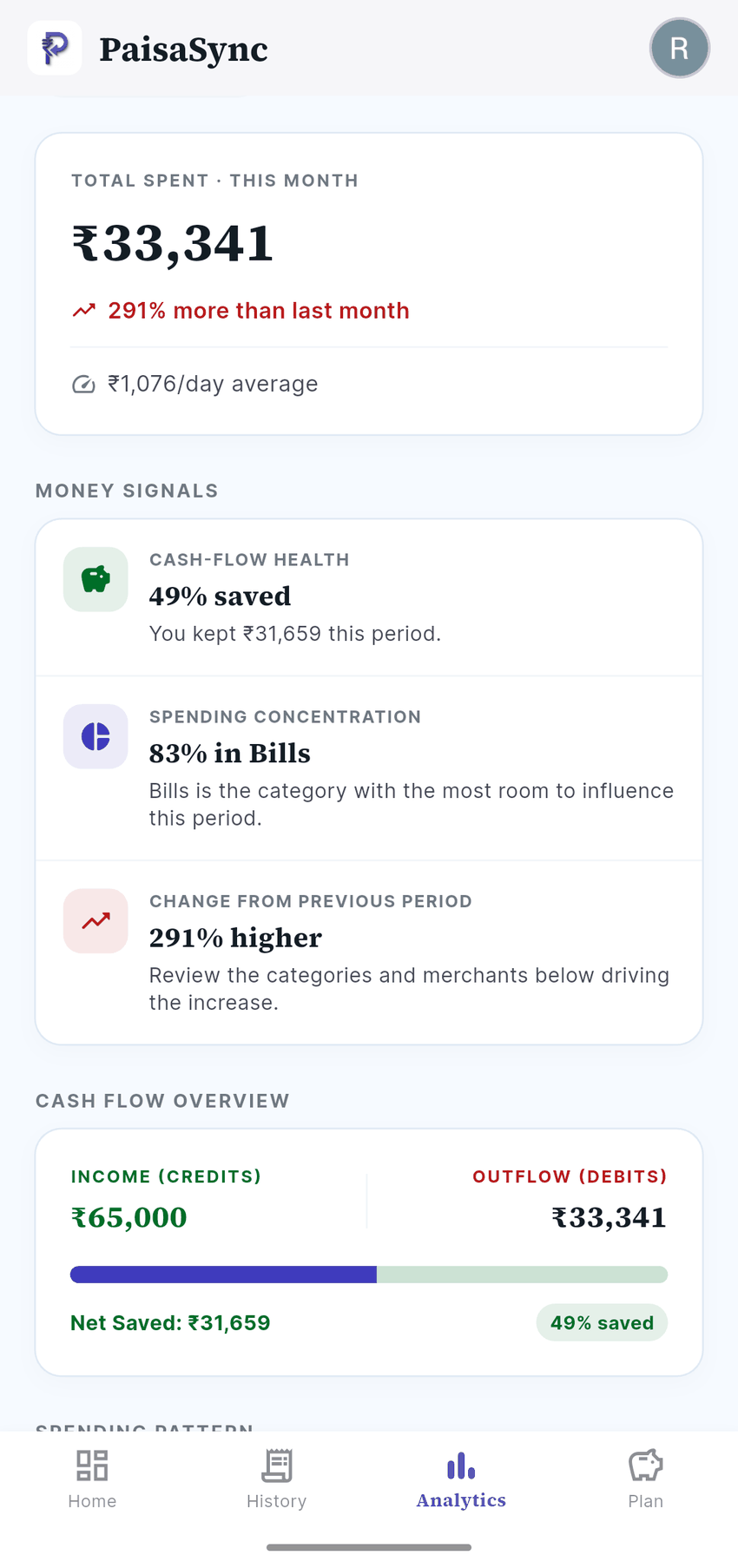
- Trends over several months, so you can spot what is creeping up.
7. Is the app itself protected?
Your phone might be unlocked in someone else's hands. A finance app should have its own PIN or biometric lock, and ideally re-lock itself after being in the background.
8. Is the pricing honest?
Free is fine; ads are fine; paid plans are fine. What is not fine is surprise. Check that:
- The core tracking works on the free plan, not just a trial.
- Paid features are listed clearly before you pay.
- There is a one-time or annual option if you dislike subscriptions.
PaisaSync's pricing page lists exactly what is free and what Pro adds.
9. Will it work on your phone?
Automatic SMS tracking is Android-only. Apple does not allow iPhone apps to read SMS, so no app can offer the same automatic capture on iOS. On Android, also check whether aggressive battery optimisation on your phone brand might pause the app — we covered that in does battery optimisation break expense trackers.
The checklist, in one place
| Question | Good answer | Walk away if |
|---|---|---|
| Automatic UPI capture? | Yes, from SMS or AA | Manual entry only |
| Bank login needed? | No | Asks for password/OTP |
| Where is data stored? | On your phone / your Drive | Unclear, or used for lending/ads |
| Missed transactions? | Easy manual entry + inbox re-scan | No way to recover |
| Indian formats? | ₹, lakhs, Indian banks | Foreign currency defaults |
| Budgets & bills? | Category limits, EMIs, safe-to-spend | Only a transaction list |
| App lock? | PIN + biometric | None |
| Pricing? | Free core, clear Pro | Hidden paywalls |
Where PaisaSync fits
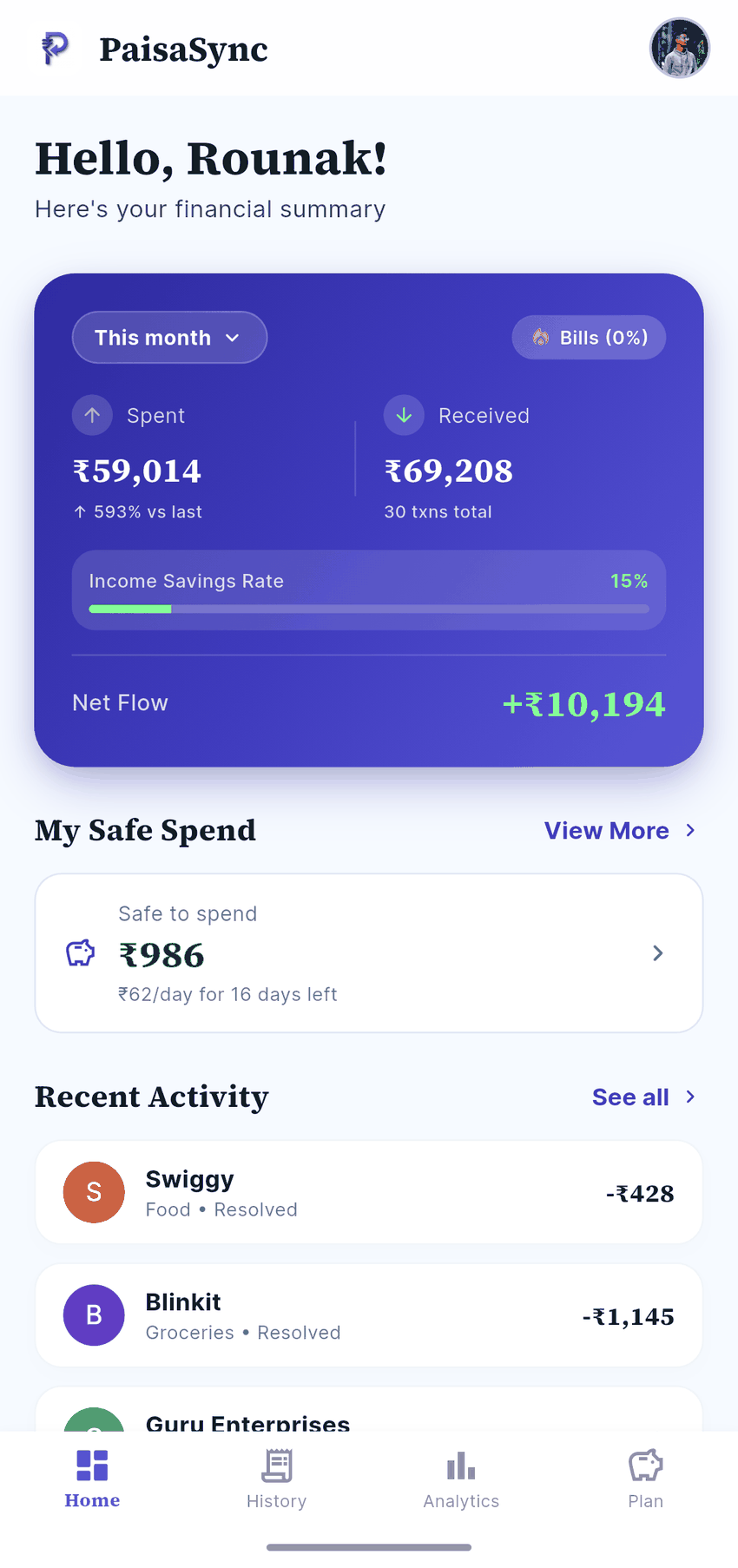
PaisaSync is built around this checklist: automatic capture from bank and UPI SMS, no bank login, a ledger that stays on your phone, rupee-first budgets, safe-to-spend, recurring bills, goals, and a PIN plus biometric lock. The core is free.
If you want a broader app that also sells financial products, a different tracker may suit you better — see our honest PaisaSync vs axio comparison. If you want a focused, private tracker that just works, try PaisaSync for a week and see whether you stop thinking about expense tracking at all. That is the goal.