The short answer
Recurring payments are the most predictable part of your finances and, oddly, the easiest to get wrong. The fix is a single list of every commitment with its amount and due date, subtracted from your salary before you decide what you can spend.
Once you have that list, two things happen: you stop missing due dates, and your budget finally reflects the money you actually have.
Why recurring payments cause so much trouble
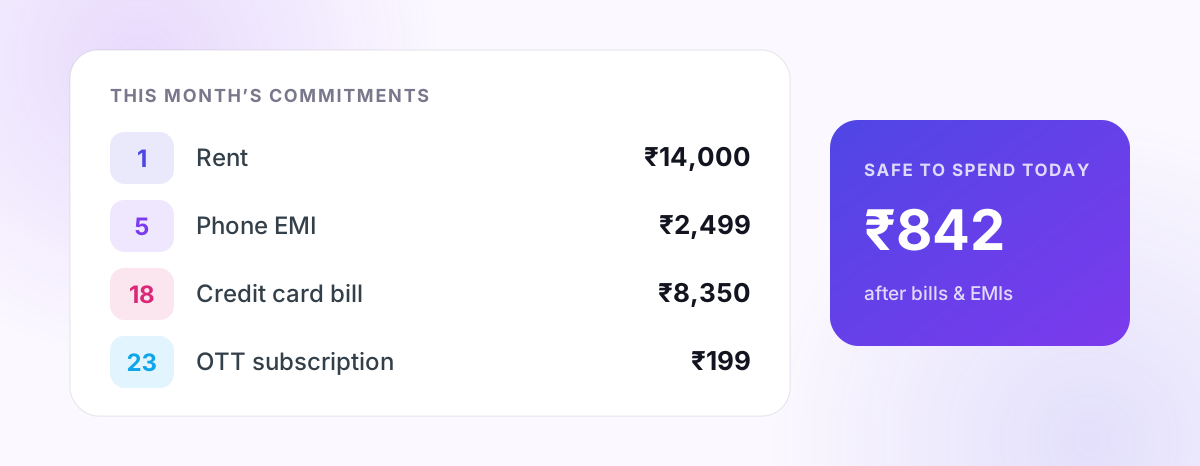
- They are spread across the month. Rent on the 1st, a phone EMI on the 5th, a card bill on the 18th, an OTT renewal on the 23rd.
- They are spread across apps. Your bank app, card app, lender app and the Play Store each know about one piece.
- They are easy to forget until they bounce. A missed EMI or card payment can mean a late fee, interest, and a negative mark on your credit report.
A "no-cost EMI" still costs you room in next month's budget. A forgotten ₹199 subscription still leaves your account every month.
Step 1: Make the full list
Go through the last two or three months of bank and card statements and write down everything that repeats:
| Type | Examples |
|---|---|
| Housing | Rent, maintenance, home-loan EMI |
| Loans | Personal loan, car/bike loan, education loan, consumer-durable EMIs |
| Credit cards | Monthly bill (note the due date, not the statement date) |
| Insurance | Health, term, vehicle — including annual ones |
| Utilities | Electricity, broadband, mobile recharge, gas |
| Subscriptions | OTT, music, cloud storage, apps, gym |
| Family | Money sent home, school fees |
Annual payments count too. Divide them by 12 so they do not arrive as a shock.
Step 2: Put every due date in one place
Keeping due dates in your head is what fails. Put them in one place you already look at — ideally the same app where you track spending, so bills and budget live together.
In PaisaSync, these go into Commitments & Recurring Bills, available on the free plan. Each commitment has an amount and a date, and they are subtracted from your income automatically.
Step 3: Subtract them before you budget
This is the step most people skip. If your take-home is ₹60,000 and your commitments add up to ₹28,000, your spendable money is ₹32,000 — not ₹60,000.
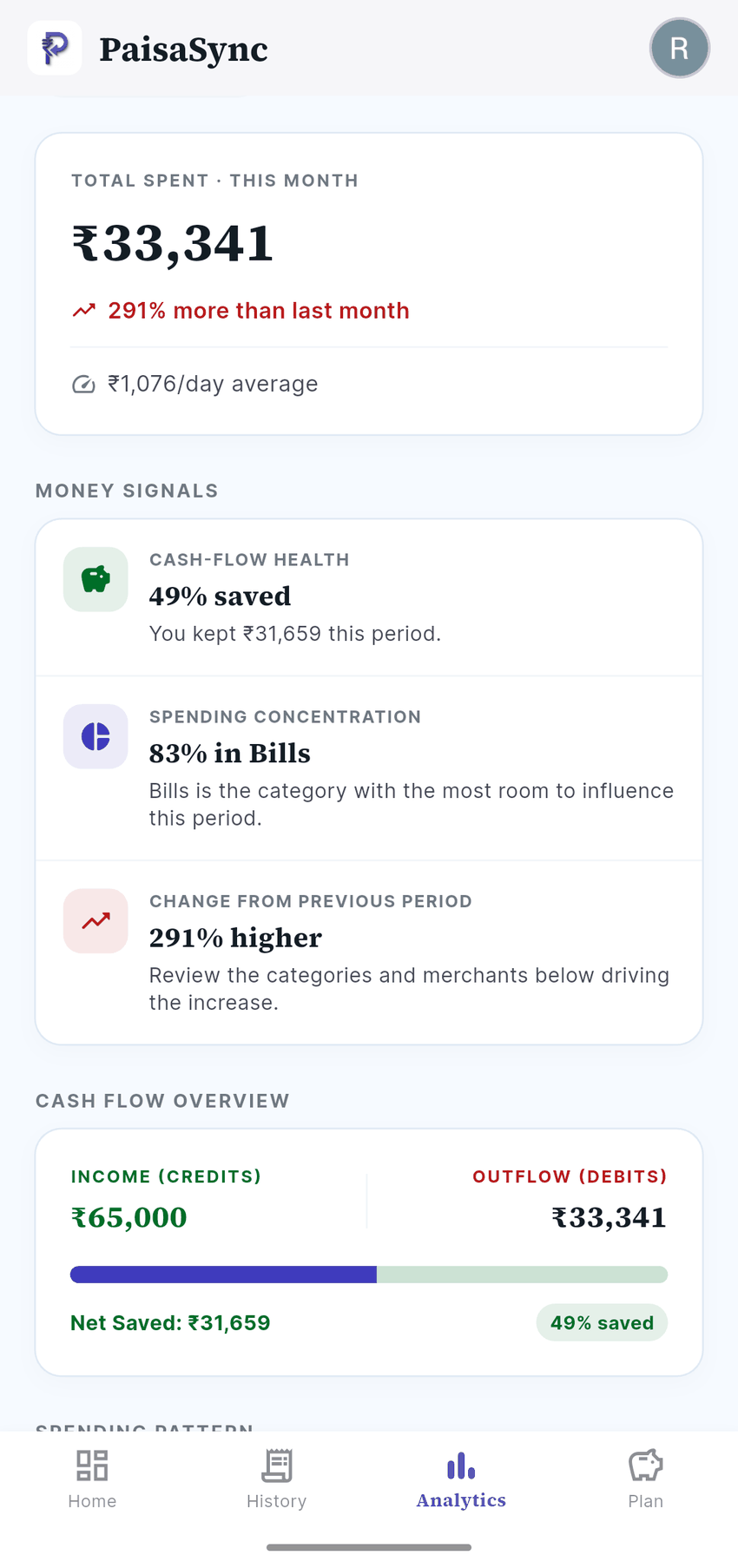
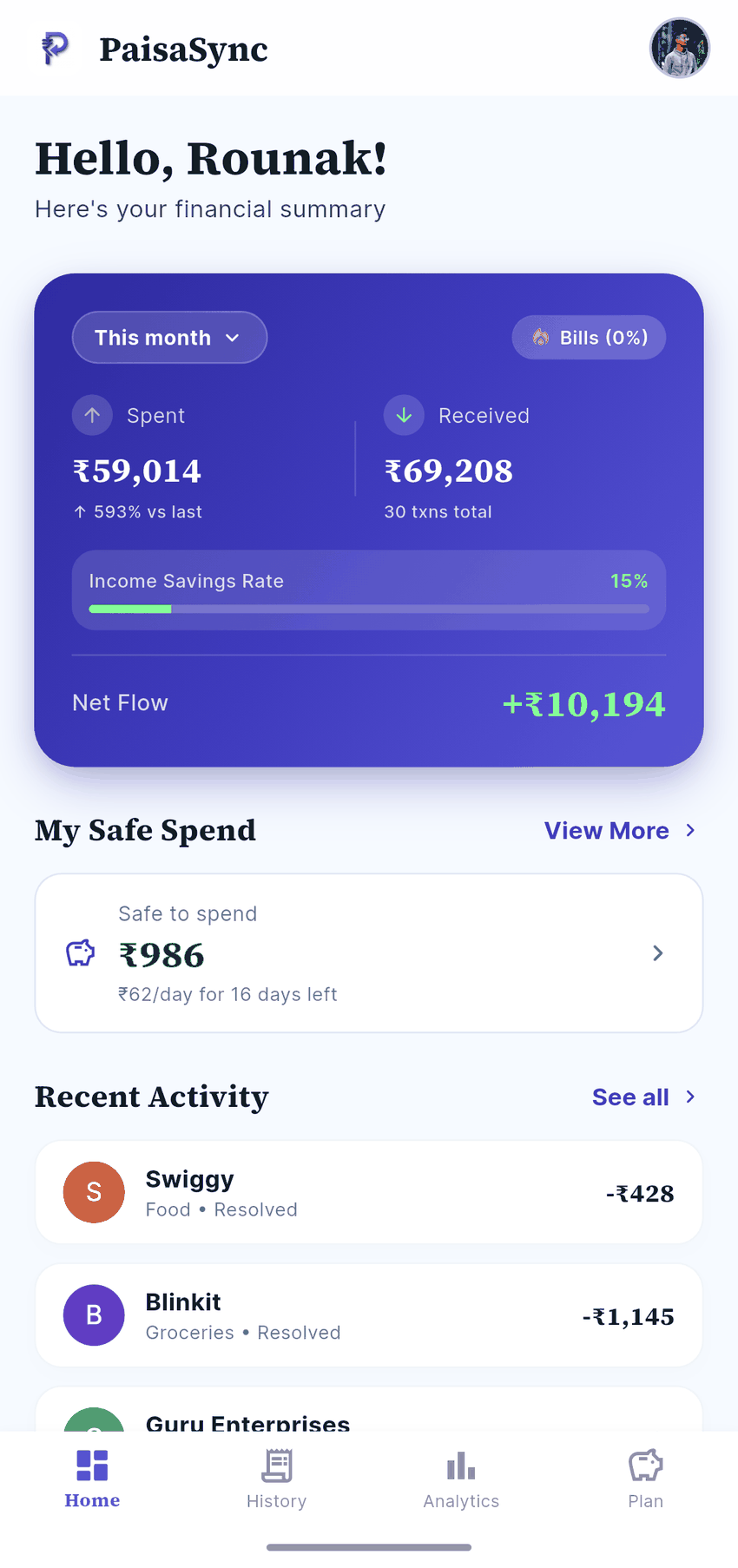
PaisaSync's Safe-to-Spend figure does exactly this: income minus commitments minus what you have already spent, divided into a per-day amount for the rest of the month. It stops you spending money that is already promised to your landlord or lender.
Step 4: Automate what you can
- Set up auto-debit (NACH/e-mandate) for fixed EMIs and insurance.
- Enable autopay for the credit card's full due amount, not the minimum. Paying only the minimum lets interest build on the rest — the credit card interest calculator shows how quickly.
- Use UPI AutoPay for subscriptions you intend to keep, and cancel the ones you do not.
Automation handles payment. Tracking still matters, because you need to know the money is committed.
Step 5: Review once a month
On salary day, spend five minutes on:
- Any new EMI or subscription added this month?
- Anything that ended and should come off the list?
- Any subscription you did not use at all?
- Is the total of all EMIs still comfortable?
If you are considering a new loan, check it first with the EMI calculator and the loan eligibility calculator. If you have several loans, the debt payoff calculator helps decide which to clear first.
Finding subscriptions you forgot about
Small recurring charges hide well. Look for:
- The same amount leaving on the same date each month.
- Charges from app stores or payment gateways with unclear merchant names.
- Free trials that silently converted to paid.
Because PaisaSync builds your history from bank SMS automatically, repeated charges show up in your transaction history and category trends without you having to hunt through statements. More on this in the ₹200 problem.
Bottom line
List every commitment, keep due dates in one place, subtract them before you spend, automate payments and review monthly. Do that and late fees, bounced EMIs and "where did my salary go?" moments mostly disappear.
PaisaSync puts commitments, budgets and your automatically tracked spending in one screen — and the core is free.