The short answer
A SIP is money moving from your bank account into your own investment, not money you spent. If your expense tracker counts it as spending, your monthly total is inflated by your entire SIP amount, and the month you invest more looks like the month you were most careless.
Record SIPs as investments (transfers), keep them out of your spending total, and track them in one place so you can see how much you invested this month. Here's how the money actually moves, and what to do with each message you receive.
How SIP money actually moves
For most people in India, a monthly SIP works like this:
- You set up a mandate once, via NACH/ACH (signed through the fund house or platform) or UPI AutoPay.
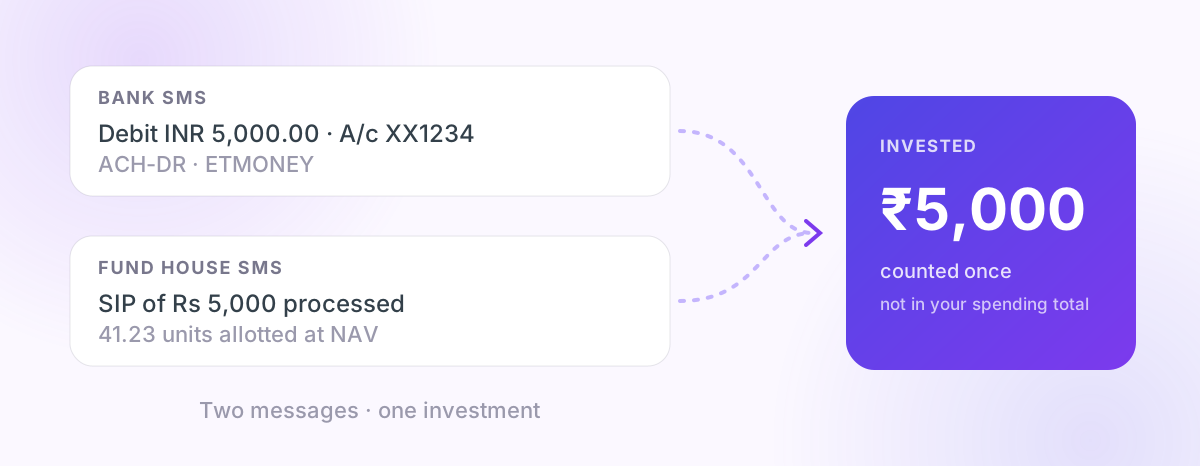
- On the SIP date your bank debits the amount. You get a bank SMS such as "Debit INR 5,000.00 … ACH-DR … [platform name]" or "Your A/c has been debited towards [Fund House] Mutual Fund".
- A day or two later the fund house confirms. You get an SMS or email such as "Your SIP instalment of Rs 5,000 … is processed. Units allotted: 41.23 at NAV …".
So one SIP produces two messages about the same ₹5,000: the bank debit and the allotment confirmation.
| Message | Who sends it | What it means | How to record it |
|---|---|---|---|
| "Debit INR … ACH-DR …" / "debited towards … Mutual Fund" | Your bank | Money left your account | Investment, excluded from spending |
| "SIP processed … units allotted at NAV …" | Fund house (AMC) | Units were bought | Confirmation of the same money; don't count twice |
| "Redemption … credited" | Fund house / bank | Money came back from the fund | Transfer in, not income from work |
Three mistakes that make SIPs look like spending
1. Counting the bank debit as an expense. The most common one. Your "Shopping/Other" category suddenly has ₹10,000 in it on the 5th of every month.
2. Counting it twice. If you record both the bank debit and the fund house confirmation as separate payments, a ₹5,000 SIP becomes ₹10,000.
3. Counting the "payment received" message as income. Some fund houses say "Payment of Rs 1,000 towards your SIP has been received". The word "received" makes some trackers file it as money coming in, so you appear to have earned ₹1,000 and spent ₹1,000 at the same time.
How to track SIPs properly
Keep a simple investment line in your monthly view
Your month should show three separate numbers:
- Income: salary and other money you earned
- Spending: what you consumed
- Invested / saved: SIPs, RDs, PPF, stock purchases, transfers to savings
When investments are separate, a good month looks like what it is: spending under control and investing on schedule.
Mark platform debits as investments
SIP debits often name the platform, not the fund: ETMoney, Groww, Kuvera, Zerodha Coin, Paytm Money, or a broker such as Axis Direct. Treat any debit to these as investment unless you know otherwise.
Use the fund house confirmation to name it, not to add it
The allotment message is useful because it tells you which fund got the money. Use it to label the investment, not as a second payment.
Check your SIPs once a month
On the first weekend of each month, check that every SIP you expect actually went through. A missed debit (insufficient balance, an expired mandate, a bank change) silently stops your investing, and many people only notice months later.
What about stocks, RDs and PPF?
Same rule: moving your money into something you own is not spending.
- Stock and ETF purchases through a broker are investments.
- Recurring deposits and fixed deposits are savings moving between your own pots.
- PPF, NPS, Sukanya Samriddhi contributions are long-term savings.
- Transfers to your own other account are not spending either. (See how SMS-based tracking works for how trackers tell these apart.)
Insurance premiums are different: a term or health insurance premium is a real expense (you're paying for cover), even though it's a "financial" payment.
How PaisaSync handles SIPs
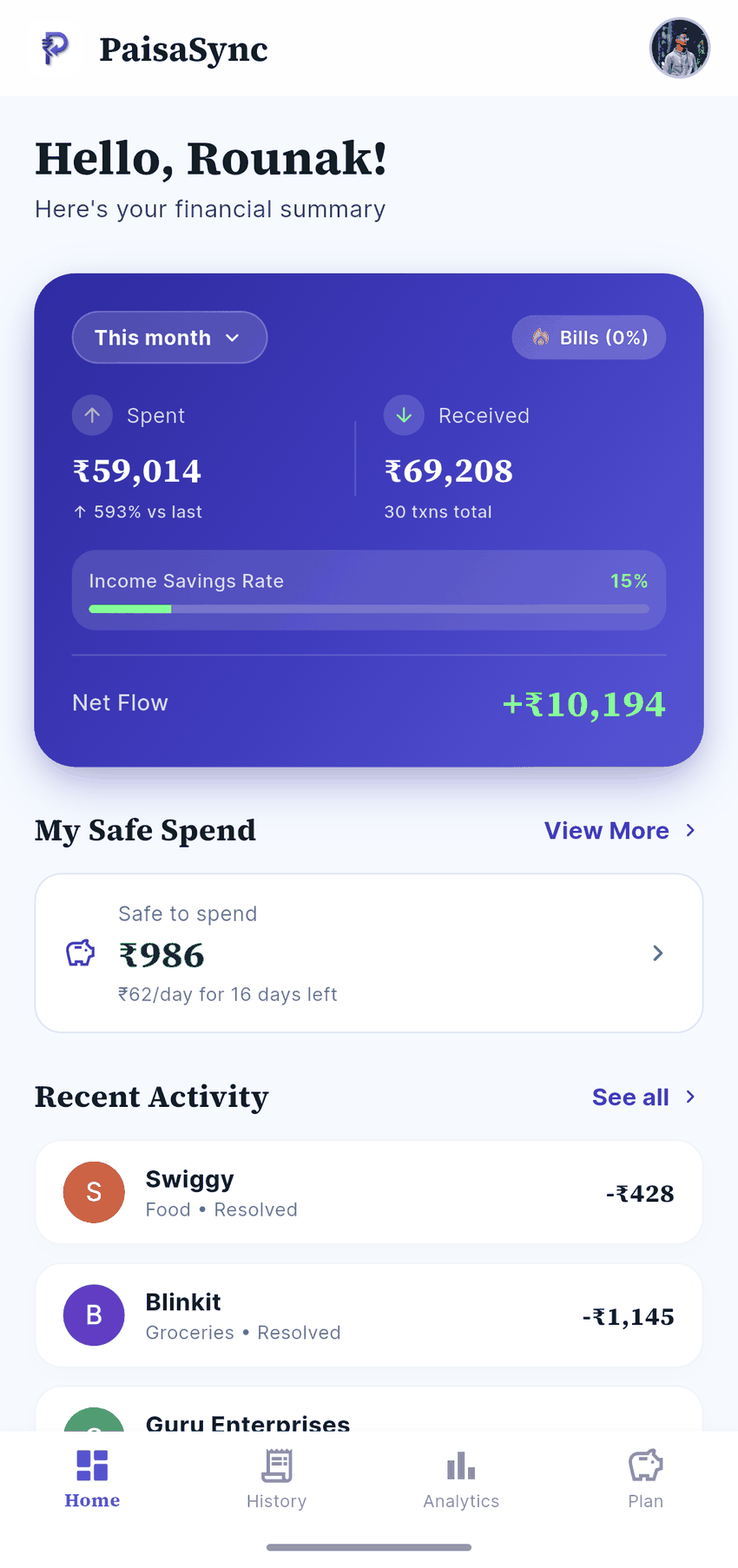
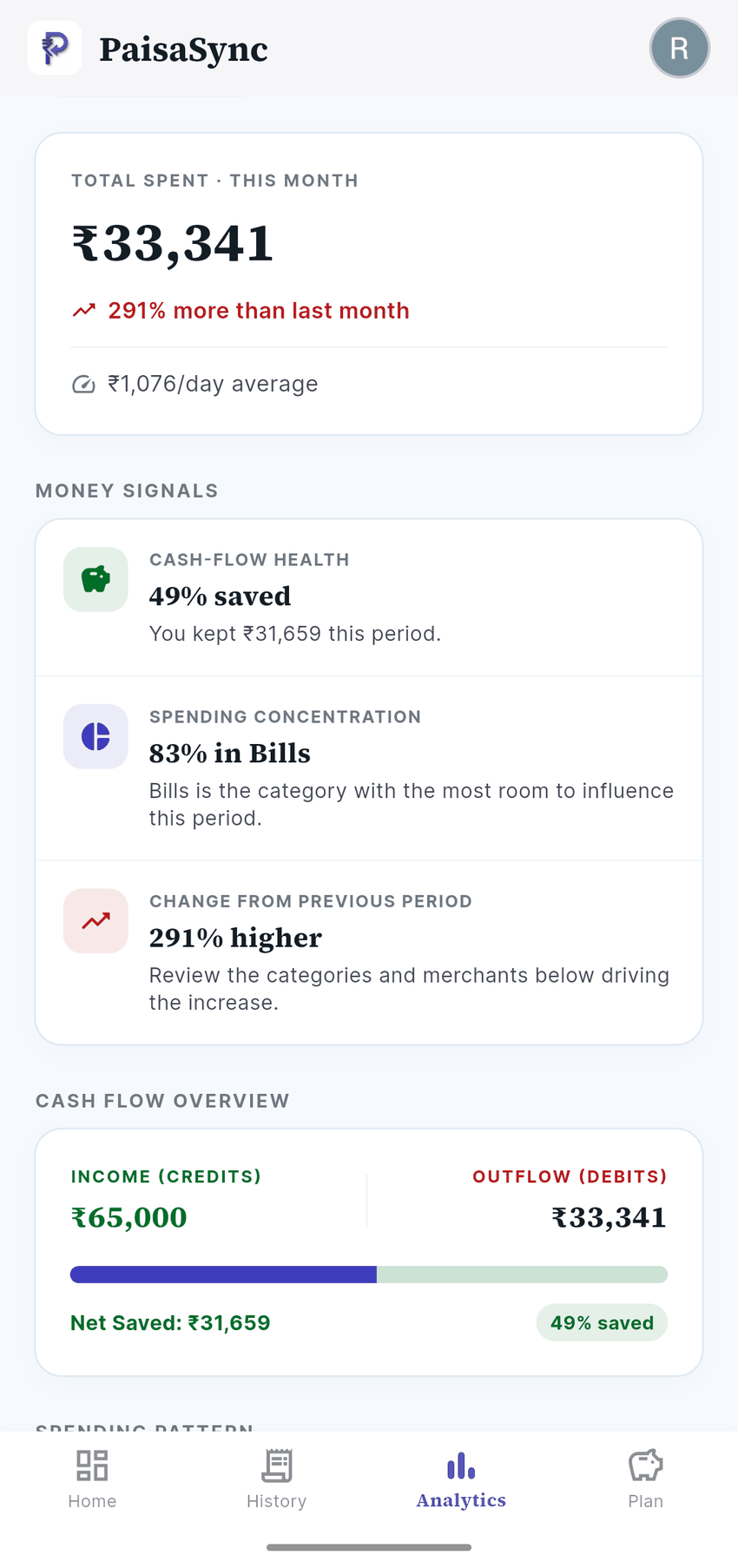
PaisaSync reads your bank and fund house messages on your phone and recognises investment debits (SIP mandates, ACH debits to investment platforms, broker debits, RDs and FDs) as investments, excluded from your spending total. Fund house confirmations are recorded under the fund house's name (for example "Axis Mutual Fund" or "Mirae Asset Mutual Fund") instead of as spending or income.
This improves a lot in PaisaSync 1.2.1, because users sent in their own SIP messages from Axis, Mirae Asset, ICICI Prudential, Motilal Oswal and Invesco through Profile › Improve PaisaSync in the app. If a message from your fund house isn't recognised, share it the same way: the app removes amounts, account numbers and names before anything is sent. That's how support for new formats gets added.
If PaisaSync ever files an investment as spending, open the transaction and mark it as a transfer. It will remember the pattern.
Bottom line
Your SIP is the best thing you do with your money each month. Your expense tracker shouldn't punish you for it. Keep spending and investing as separate numbers, count each SIP once, and check every month that it actually went through.
PaisaSync does this automatically from your bank and fund house messages, privately on your Android phone.