The short answer
Most people can name three or four of their subscriptions. The real number is usually closer to ten, because many don't feel like subscriptions: the mobile recharge, the broadband plan, cloud storage, a food delivery membership, a gym, an app you trialled once.
A 30-minute audit fixes it: list everything that renews, convert each to a monthly cost, and cut or downgrade anything you didn't use last month. Doing it once a quarter keeps the total honest.
Why your recharge is quietly a subscription
A prepaid mobile recharge doesn't look like a subscription. You choose to pay each time. But in practice:
- you pay the same amount on the same cycle (28, 56, 84 or 365 days),
- you'd never skip it,
- and its price goes up when telecom tariffs change.
That's a subscription in everything but name. Treat it like one: know its monthly cost and check whether a longer plan is cheaper per month.
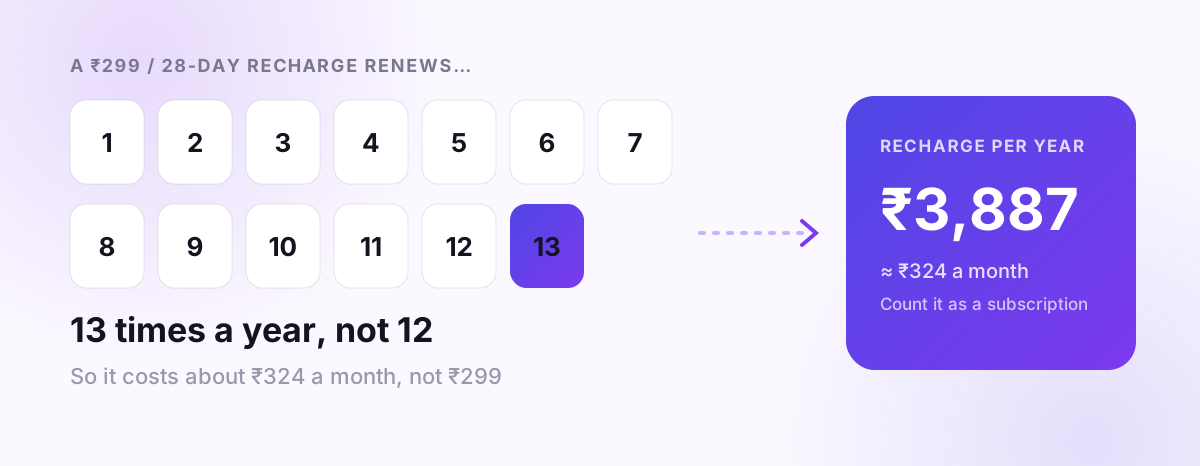
Watch the 28-day trap. A 28-day plan renews 13 times a year, not 12. A ₹299/28-day plan costs about ₹3,900 a year, around ₹325 a month, not ₹299.
Step 1: List everything that renews (15 minutes)
Look in each of these places and write down every recurring payment:
| Where | What you'll find |
|---|---|
| UPI apps → AutoPay / Mandates | OTT, cloud, app plans, SIPs, insurance (how to find them) |
| Credit card statements (last 3 months) | International apps, software, memberships billed to cards |
| Google Play → Payments & subscriptions | App subscriptions billed through Play |
| Bank statement (last 3 months) | Broadband, electricity autopay, gym, school apps, NACH debits |
| Email inbox, search "renewal" or "subscription" | Annual plans you only see once a year |
| Phone | Mobile recharge(s) for every number in the family |
Don't forget annual plans (domain, antivirus, Amazon Prime, insurance). They're the easiest to forget because you see them once a year.
Step 2: Convert everything to a monthly cost (5 minutes)
| Subscription | Billing | Price (₹) | Monthly cost (₹) |
|---|---|---|---|
| Mobile recharge | 28 days | 299 | ≈ 325 |
| Broadband | monthly | 699 | 699 |
| OTT #1 | monthly | 149 | 149 |
| OTT #2 | yearly | 1,499 | 125 |
| Music | monthly | 119 | 119 |
| Cloud storage | monthly | 130 | 130 |
| Food delivery membership | 3 months | 349 | 116 |
| Gym | monthly | 1,500 | 1,500 |
| Total | ≈ 3,160 |
Illustrative example. Multiply by 12: ₹38,000 a year, often more than people guess by a factor of two.
Step 3: Keep, downgrade, or cancel (10 minutes)
For each line, ask one question: "Did I use this in the last 30 days?"
- Used a lot → keep. Then check whether a yearly plan is cheaper per month.
- Used a little → downgrade. A smaller cloud plan, mobile-only OTT, a cheaper broadband speed.
- Not used → cancel today. Not "next month". Today.
- Overlap → pick one. Two OTT services with similar content, or two music apps.
- Rotate OTT. Keep one service at a time and switch every few months for the shows you actually want to watch.
The gym is the classic case. If you went four times in three months, each visit cost you over ₹1,000.
Step 4: Make it stick
- Put the total in your budget as one line, "Subscriptions", so it's visible each month.
- Set one rule for new subscriptions: cancel the trial the same day you start it, then re-subscribe only if you miss it.
- Repeat the audit every quarter. Prices rise, and new subscriptions creep in.
How PaisaSync helps
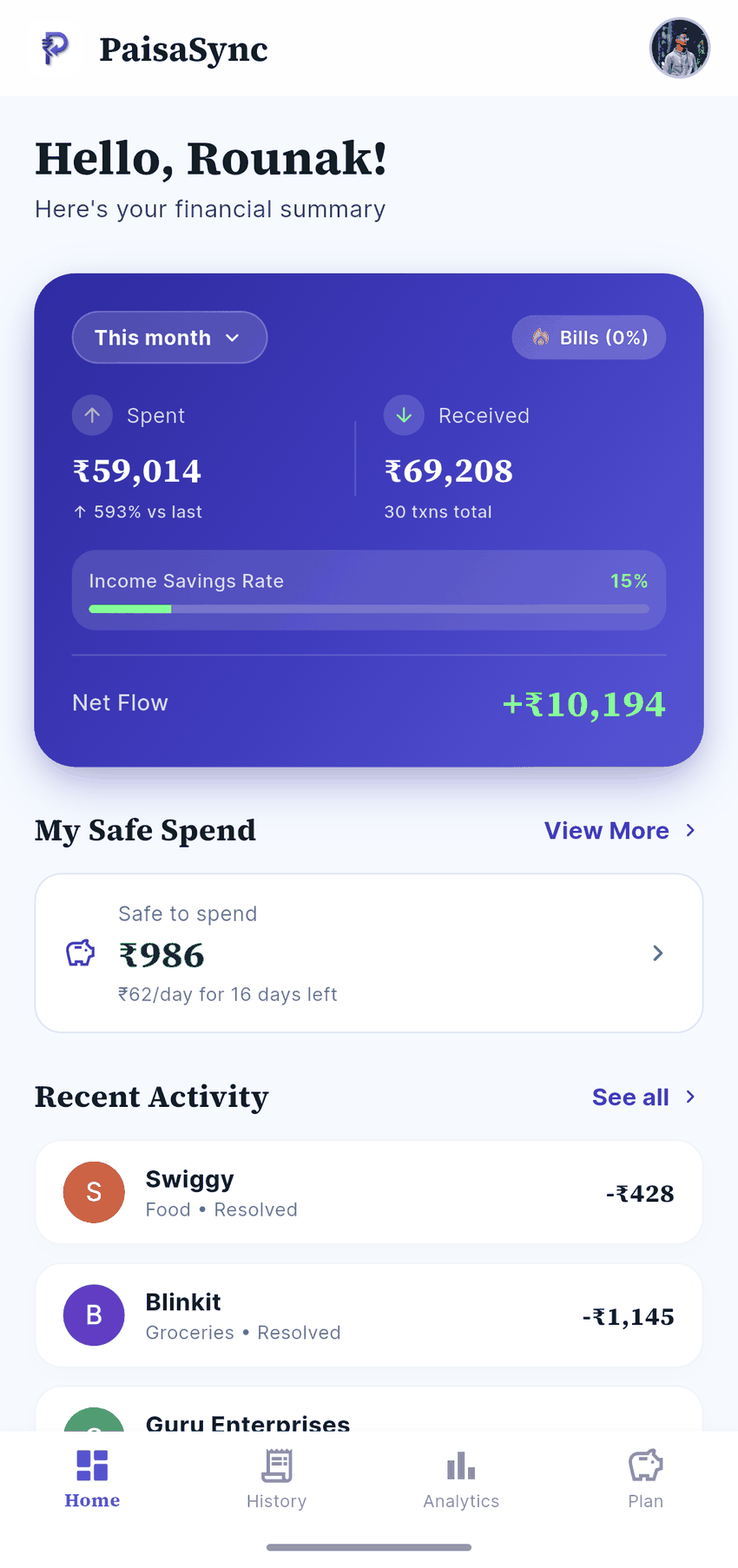
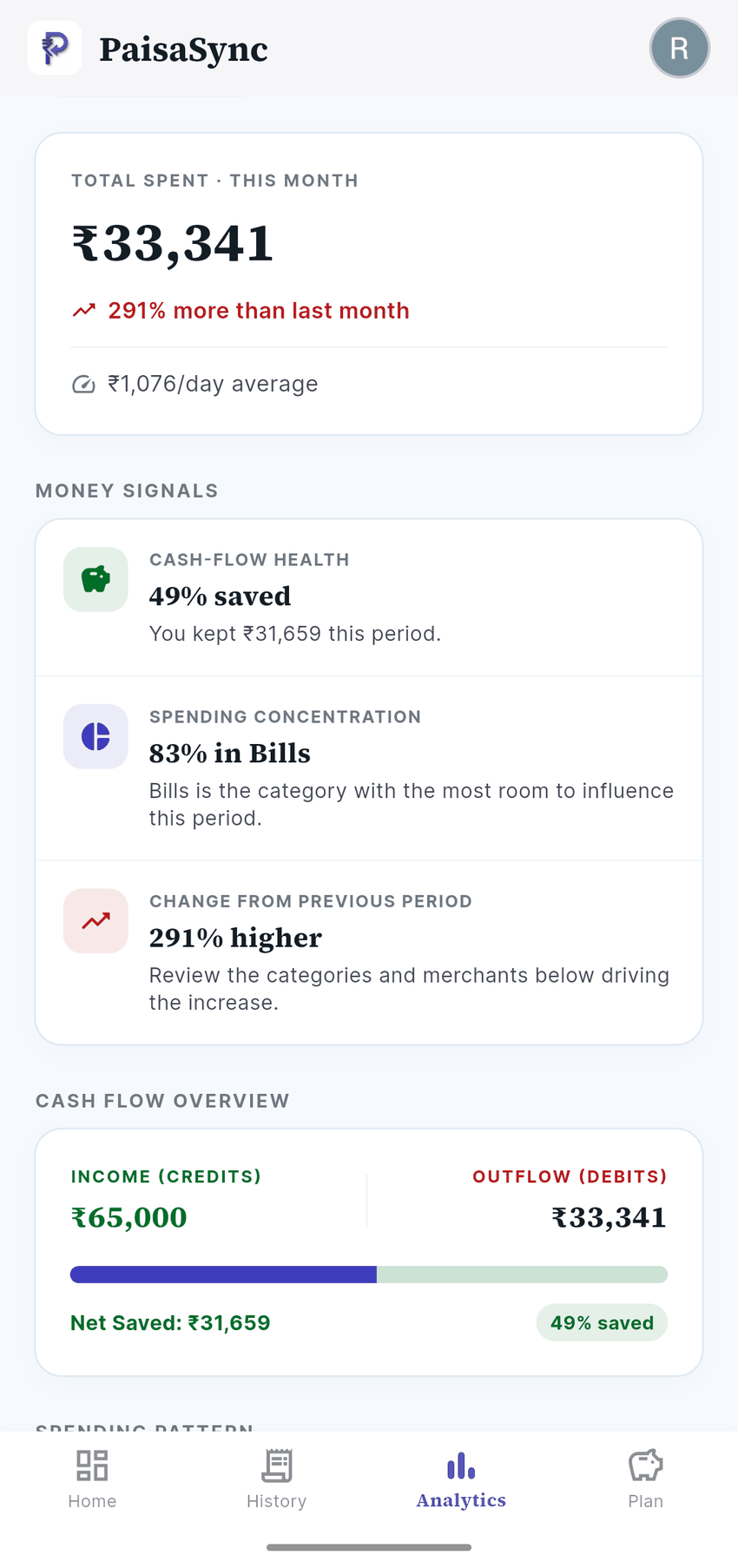
PaisaSync reads your bank and card debit messages on your phone, so recurring payments (recharges, OTT, broadband, AutoPay debits, card-billed apps) show up with their merchant names automatically. Commitments groups what renews each month, so the audit becomes a quick review instead of a hunt through three statements.
Bottom line
Subscriptions aren't bad. Forgotten subscriptions are. List everything that renews, convert it to a monthly cost, cut what you didn't use, and count your recharge, because it counts.
Start your audit today, or let PaisaSync collect the list for you from your bank messages, privately on your phone.