The short answer
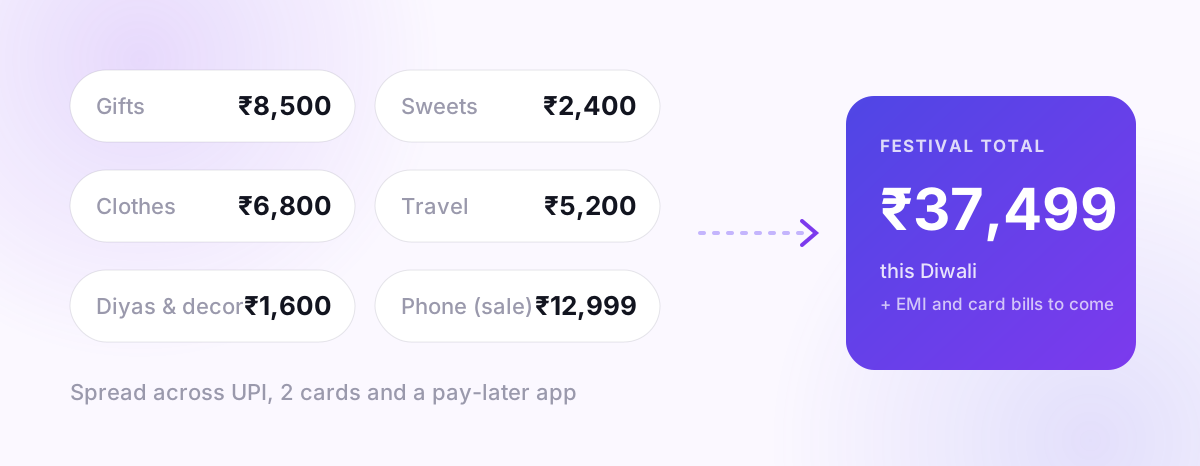
Festival spending is hard to see because it is spread out: a gift on one card, sweets on UPI, clothes on a pay-later app, travel booked weeks earlier, and a "no-cost EMI" on a new phone. No single payment feels big, so nobody adds them up.
Spend 20 minutes this week doing four things: add up the real total, find the payments that are still coming, reset the rest of this month, and note one thing for next year. No guilt needed; festivals are supposed to cost something. The goal is that the cost doesn't keep surprising you into December.
Why festival spending is so hard to total
Most months your spending follows a pattern. Festival weeks break every pattern at once:
- More payment methods. Sale offers push you onto a specific card, wallet or pay-later option.
- Spending started early. Flights, train tickets and big-sale orders were often paid in October.
- Some of it hasn't hit yet. Credit card swipes appear on next month's bill. EMIs start next month.
- It's mixed with normal life. Groceries, rent and bills kept happening in the same week.
That's why "I think I spent around ₹15,000" usually turns out to be wrong, and rarely too high.
Step 1: Add up the real total (8 minutes)
Pick a window: from the first festival-related purchase (often the start of the big online sales) to today. Then collect spending from every place it could be:
| Where to look | What you're looking for |
|---|---|
| Bank account / UPI history | Gifts, sweets, decorations, clothes, cash withdrawals |
| Each credit card's unbilled transactions | Online sale orders, electronics, travel |
| Pay-later apps | Anything split into "pay in 3" or "pay next month" |
| Shopping app order history | Orders paid on a card you forgot about |
| Cash | ATM withdrawals in the window are a fair proxy |
Write each one under a few simple groups: gifts, food and sweets, clothes, home and decoration, travel, electronics, other. You don't need perfect categories. You need a total.
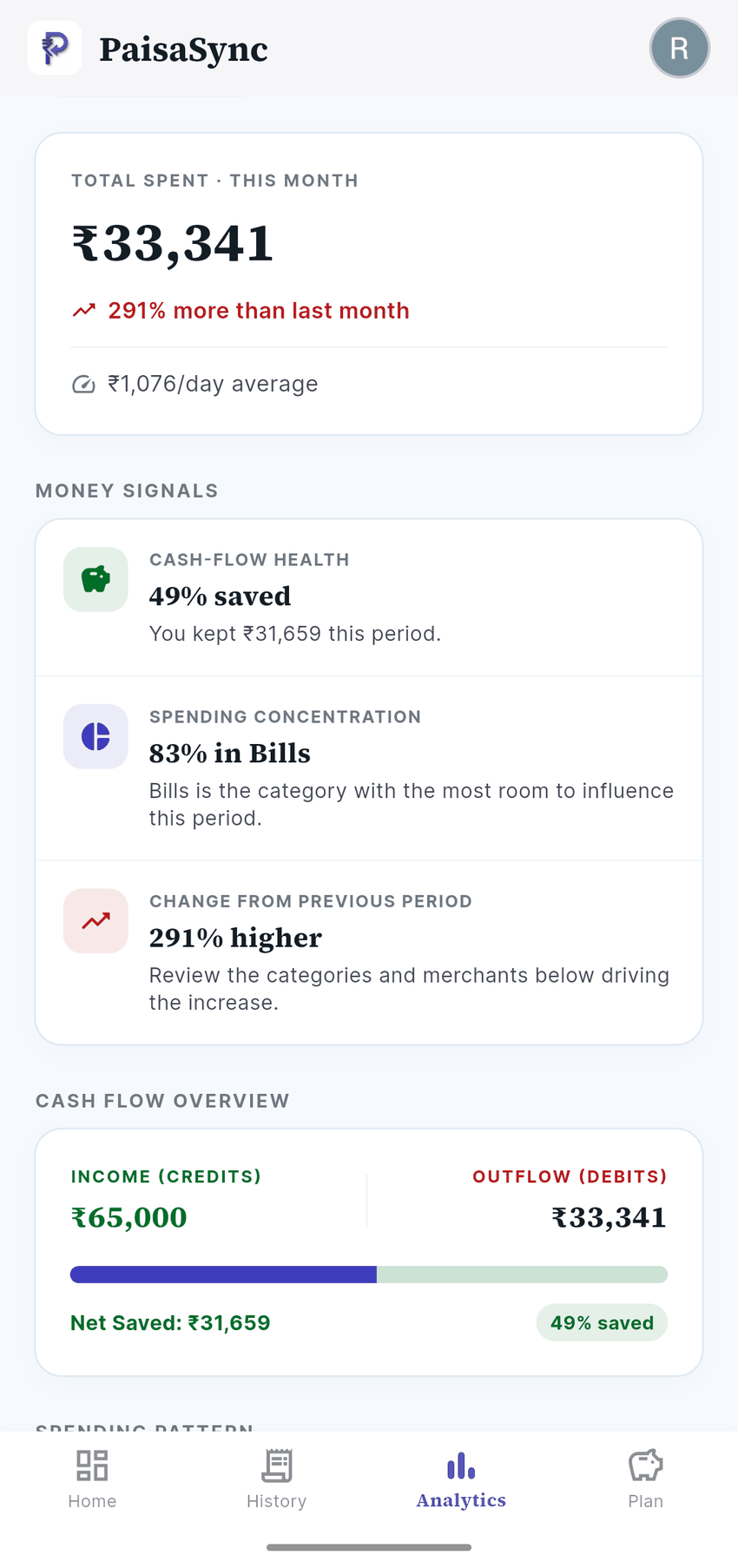
If you already use an automatic tracker, filter by date and most of this is done for you. In PaisaSync, the spending calendar shows exactly which days were heavy, which makes the festival window easy to spot.
Step 2: Find what's still coming (5 minutes)
This is the step people skip, and it's the one that hurts in December.
- Credit card bills. Swipes in the last 2–4 weeks will land on your next statement. Note the due date of each card. (Not sure how billing cycles work? See our guide to tracking EMIs and credit card bills.)
- "No-cost" EMIs. The first instalment usually starts next month. Write down the monthly amount and how many months.
- Pay-later. Note each due date. Missing one can mean late fees and a hit to your credit history.
- Returns and refunds. If you returned something, make sure the refund actually arrives. Note the amount and expected date.
Add these to your list as upcoming amounts. They're part of the festival's cost even though the money hasn't moved yet.
Step 3: Reset the rest of the month (5 minutes)
Now compare: what's left in your account minus fixed bills still due this month (rent, EMIs, utilities, the card bills from step 2) equals what you actually have for everything else.
Divide that by the days left in the month. That daily number is your new limit. If it looks uncomfortably low, that's useful information, not a failure:
- Pause one category for two weeks, usually food delivery or shopping. Not everything, just one.
- Move the next SIP or savings transfer? Only as a last resort, and only for one month. Skipping savings is easy to repeat.
- Don't pay only the minimum due on a credit card to "make space". Card interest is among the most expensive money there is.
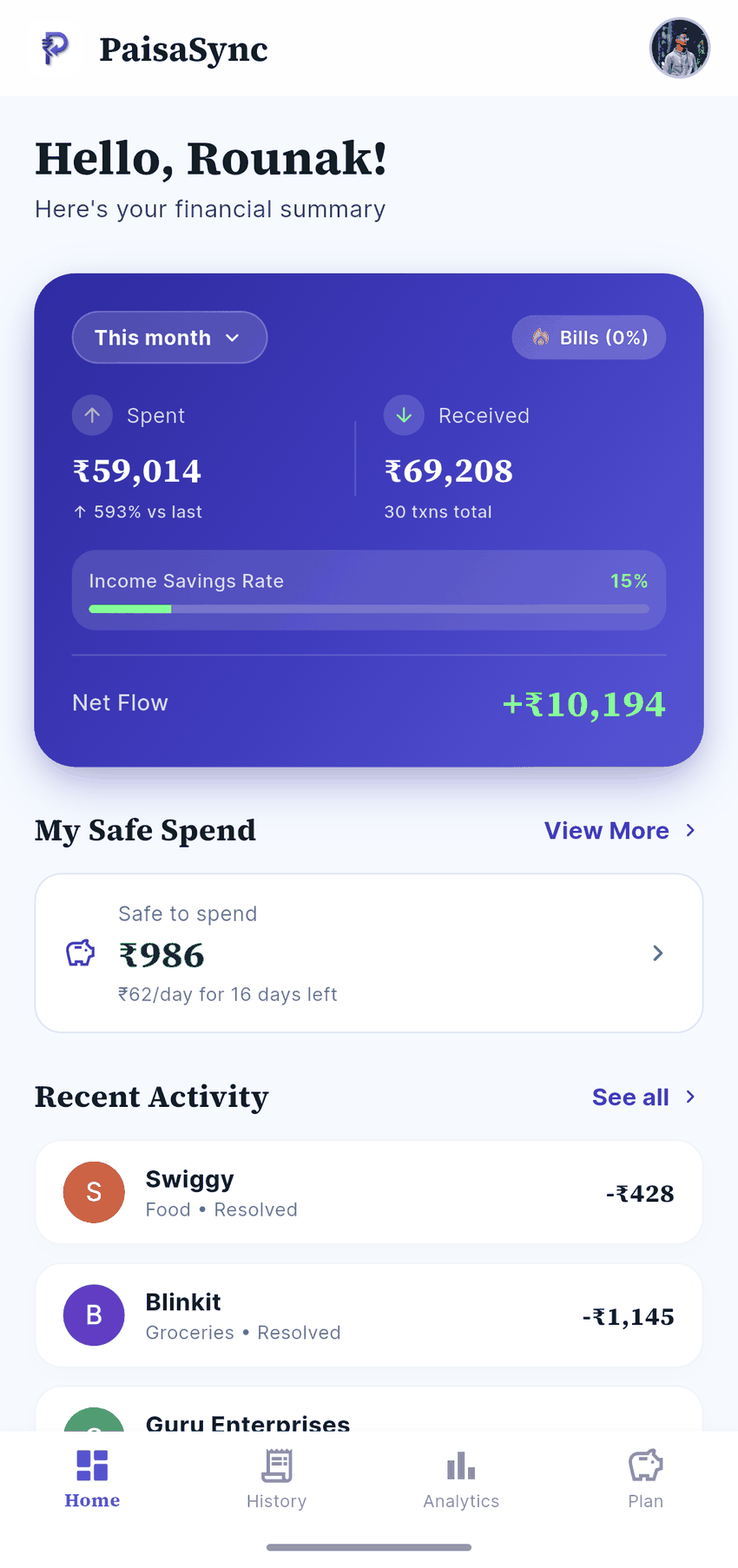
PaisaSync's Safe-to-Spend figure does this division for you every day, so the number updates as the month goes on.
Step 4: One note for next year (2 minutes)
Look at your total and your groups and write down one sentence for next year, for example:
- "Festival cost ₹38,000; start a ₹3,000/month festival pot from January."
- "Gifts were half the total; decide the gift list in advance."
- "Electronics in the sale was the big one; it was planned, fine."
The single most effective change is a festival pot: divide this year's total by 10 and move that amount aside each month from January. Next Diwali is then already paid for, and the sale offers become a choice instead of a stress.
A note on wedding season
November to February is also wedding season, which works the same way but lasts longer: outfits, gifts, travel and shagun spread over weeks. Do the same four steps once a month until the season ends, and keep gifts and travel in their own group so you can see the season's total.
Bottom line
You don't need to undo the festival. You need to know its real cost, see the bills still coming, and give the rest of the month a daily limit. That takes 20 minutes.
PaisaSync builds this picture automatically from your bank and UPI messages, read only on your phone, so next year the festival total is already waiting for you when the lights come down.