The short answer
UPI AutoPay lets a merchant charge your account on a schedule (monthly, yearly, or as needed) after you approve a mandate once. It's how OTT subscriptions, cloud storage, app memberships, SIPs and many insurance premiums renew without you doing anything.
That convenience is also the problem: mandates are easy to approve and easy to forget. You can see every active mandate in the UPI app you used to set it up, usually under a section called AutoPay or Mandates, and pause or cancel any of them there in under a minute.
How a UPI AutoPay mandate works
- You approve it once with your UPI PIN, for example while starting a "₹1 trial" or a monthly plan.
- The mandate records a maximum amount and a frequency. The merchant can charge up to that amount on that schedule.
- Before each debit you get a pre-debit notification, typically at least 24 hours in advance, by SMS or app notification.
- The money is debited automatically. For recurring payments up to a set limit, no PIN is needed each time; above it, you'll be asked to approve.
- You can pause or revoke the mandate from your UPI app at any time.
Mandates are tied to the UPI app where you created them. A Netflix mandate set up in PhonePe won't show in Google Pay, even with the same bank account.
Where to find your mandates
The exact menu names change between app updates, but they're always in one of these places:
| App | Where to look |
|---|---|
| Google Pay | Profile / settings → Autopay |
| PhonePe | Profile → Payment management → AutoPay |
| Paytm | Search "Autopay" or UPI settings → Automatic payments |
| BHIM | Mandates section on the home screen |
| Your bank's app | UPI section → Mandates / AutoPay |
| Cards (not UPI) | Card-based subscriptions are managed in your card issuer's app or by contacting the merchant |
Check every UPI app you've ever used, including ones you no longer open. Old apps are where forgotten mandates live.
What you'll typically find
| Mandate type | Example | Keep? |
|---|---|---|
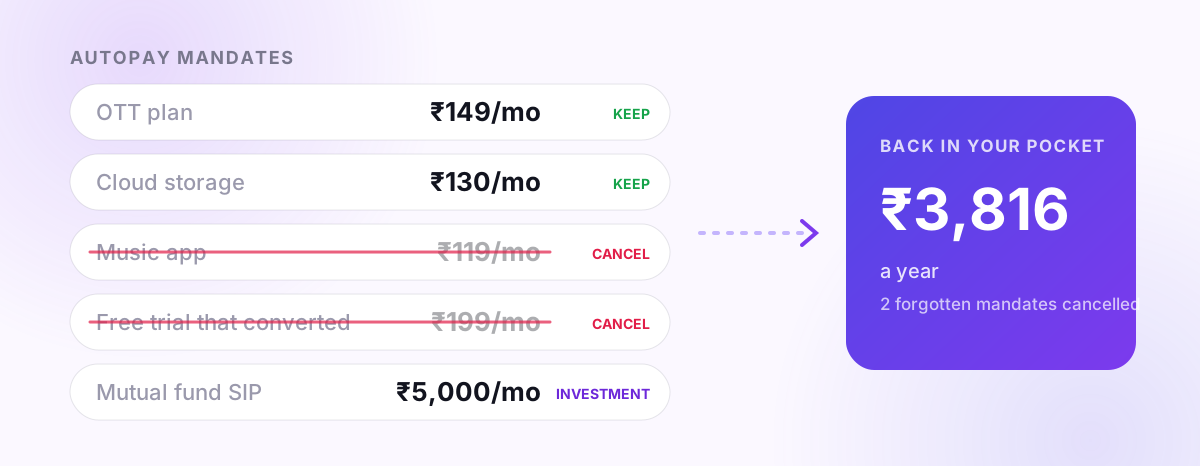
| OTT / music | Streaming plans, music apps | Keep the ones you actually watched this month |
| Cloud storage | Google One, iCloud | Usually keep; check the plan size |
| App memberships | Food delivery, shopping or ride passes | Often worth cancelling; check usage |
| Free trials that converted | "₹1 for 7 days" offers | Cancel unless you're really using it |
| SIPs and investments | Mutual fund SIPs via UPI | Keep; these are savings, not spending |
| Insurance premiums | Term or health renewals | Keep, but check the amount |
| Unknown merchant names | Payment gateway names you don't recognise | Investigate before cancelling |
How to cancel (or pause) a mandate
- Open the UPI app where the mandate lives and go to AutoPay / Mandates.
- Tap the mandate. You'll see the merchant, maximum amount, frequency and next debit date.
- Choose Pause (for a set period) or Cancel / Revoke.
- Confirm with your UPI PIN.
- Also cancel the subscription inside the service itself, if it has an account page. Cancelling the mandate stops the money; cancelling the subscription stops the service from retrying or switching you to another payment method.
If a debit has already happened that you didn't authorise, contact your bank and the UPI app's support immediately and raise a dispute. Don't wait for the next month.
Use the pre-debit notification as a free reminder
Every pre-debit message is a 24-hour chance to ask "do I still want this?" Make it a habit: when you see one, either let it go knowingly or cancel it right there. That habit alone stops most forgotten-subscription leaks.
Do a quarterly mandate check
Every three months:
- List every active mandate across all your UPI apps.
- Add up the monthly cost (divide yearly plans by 12).
- Cancel anything you didn't use in the last month.
- Check maximum amounts. A mandate approved "up to ₹5,000" for a ₹199 plan gives the merchant more room than it needs.
Most people find at least one ₹99–₹299 subscription they'd forgotten. Over a year that's ₹1,200–₹3,600 back for ten minutes of checking.
How PaisaSync helps
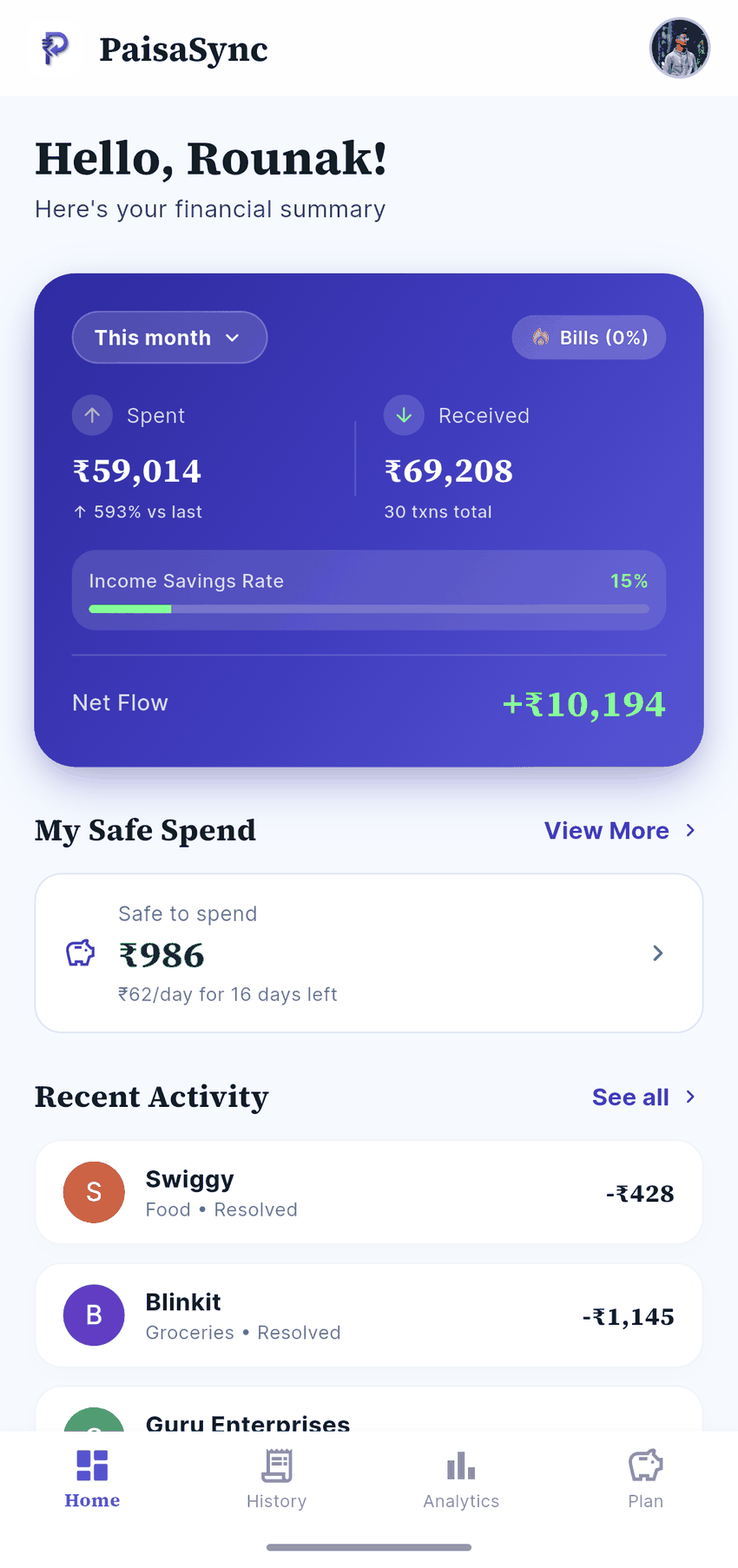
PaisaSync reads your bank's debit messages on your phone, including AutoPay debits such as "Your A/c has been debited towards NETFLIX COM", and shows each one with the merchant name. Recurring payments are easy to spot in Commitments, where you can see what renews each month and what it adds up to.
It can't cancel a mandate for you (only your UPI app can), but it shows you which ones are worth cancelling.
Bottom line
UPI AutoPay is great for things you want to keep paying for and quietly expensive for everything else. Find every mandate in your UPI apps, cancel the ones you don't use, and treat each pre-debit notification as a reminder.
For a broader look at recurring costs, read how to track EMIs, credit card bills and subscriptions, or let PaisaSync show you every recurring debit automatically.