The quick answer
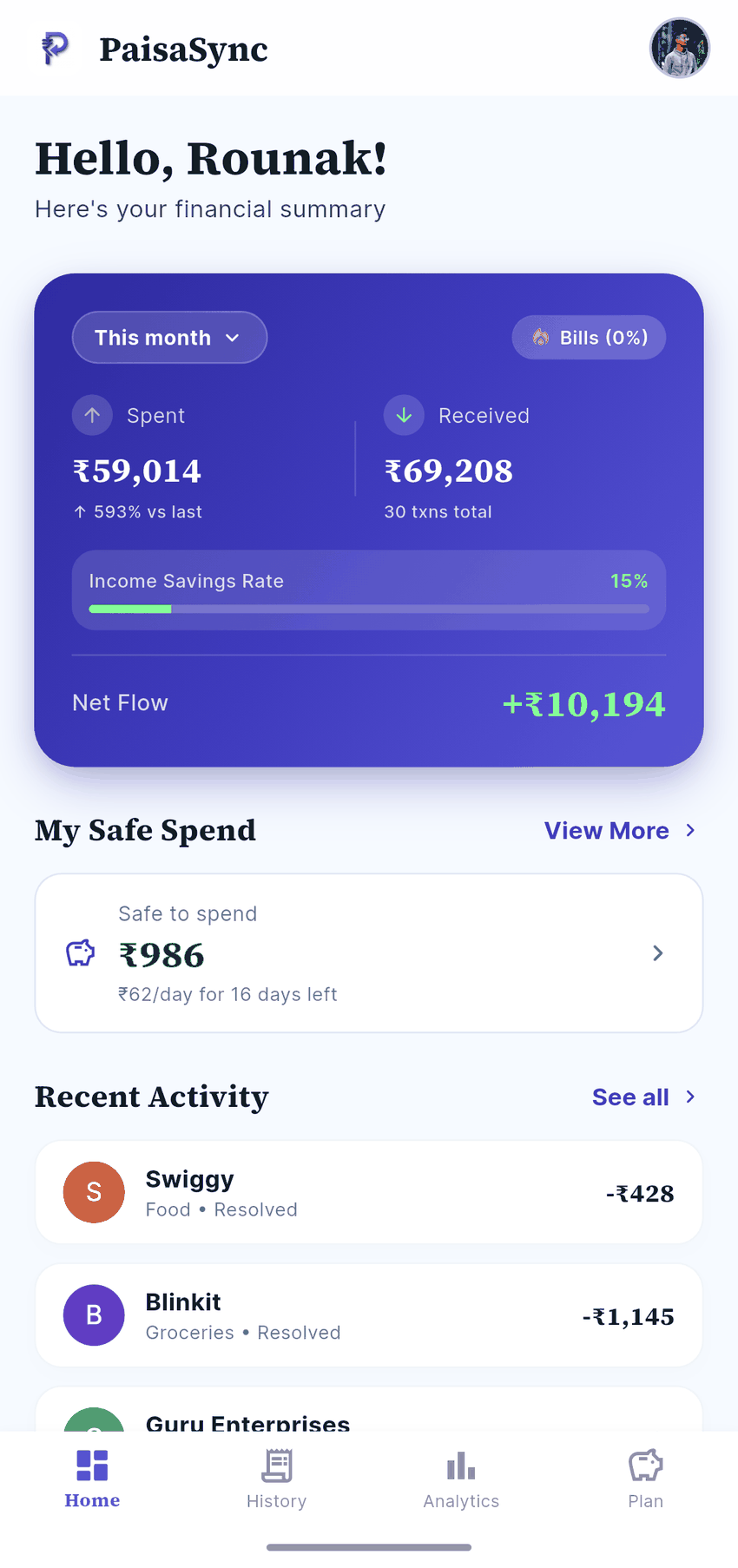
Choose PaisaSync if you want your expense tracker to do one job exceptionally well: automatically organise supported bank and UPI SMS on your Android phone, give you a clear budget, and keep your transaction ledger private to you, on your device.
Choose axio if you want automatic tracking inside a larger financial-services app, with bills, credit-card tracking and access to financial products such as Fixed Deposits, Pay Later and personal loans for eligible users.
Both are SMS-based trackers. Neither needs your net-banking password for expense tracking. axio says it does not read personal SMS or upload sensitive data. The difference is the product’s centre of gravity: PaisaSync is built around a private, user-controlled ledger; axio combines money management with a wider financial-services ecosystem.
Looking for a Walnut comparison? Walnut is now axio. This guide compares the current app directly with PaisaSync.
PaisaSync vs axio at a glance
| What matters | PaisaSync | axio |
|---|---|---|
| Automatic tracking | Reads supported bank and UPI SMS on Android | SMS-based money management |
| Bank login required for tracking | No | No |
| Privacy approach | Local ledger; transaction details do not go to PaisaSync servers | axio says it does not read personal SMS or upload sensitive data |
| Backup | Optional, encrypted locally, then sent directly to your Google Drive | Review the current in-app backup options |
| Everyday money control | Budgets, goals, analytics, manual entries and recurring commitments | Budgets, bill reminders, notes, tags, receipt photos and search |
| Financial-product layer | None | Fixed Deposits, Pay Later and loans for eligible users |
| Best for | People who want clarity without turning their tracker into a finance marketplace | People who want expense tracking plus financial services |

What both apps get right
Manual expense tracking usually fails for a simple reason: life happens before you remember to open the app. A coffee, a cab, a grocery run and a UPI split add up, while your spreadsheet stays empty.
PaisaSync and axio solve that same first problem. They use the transaction messages your bank sends to create an expense history automatically. That means you can see your day’s spending without typing in every digital payment.
There are limits, and an honest comparison should say them plainly:
- Cash cannot be read from an SMS.
- UPI Lite and some wallet-only payments may not create a usable bank SMS.
- A bank may omit a message or change its format.
- Categories sometimes need a quick correction.
No automatic tracker catches every payment perfectly. The one worth installing is the one that catches most digital spending, makes the exceptions fast to add, and gives you a reason to check your money before the month is over.
The biggest difference: privacy is PaisaSync’s product, not a feature
Your expense history can reveal more about you than most people realise: where you go, what you buy, which bills worry you and how your month is going. PaisaSync was built on a simple principle: that record should be private to you by default.
Your spending history stays yours
PaisaSync processes supported transaction SMS on your device. The transaction ledger is stored locally, not uploaded to PaisaSync’s servers. We do not ask for your net-banking credentials, bank login or OTP. We do not need your spending history to offer you loans, credit or deposits, because PaisaSync does not offer those products.
If you want a backup, that is your choice: PaisaSync encrypts it on your phone and sends it directly to your own Google Drive. This gives you a practical recovery plan without making your everyday spending history a cloud account by default.

axio’s Play Store description also says it does not read personal SMS or upload sensitive data. That is a meaningful assurance. The PaisaSync difference is more specific: the ledger is deliberately local-first, and the only optional backup destination is a Drive account you control. There is no product marketplace around the ledger and no reason for PaisaSync to turn your spending history into a financial-services profile.
If the privacy boundary you want is my transactions remain on my phone unless I decide to back them up, PaisaSync is built for it.
It stays focused on helping you spend better
axio is intentionally a broader product. Its current Google Play listing combines expense tracking with bill utilities, Fixed Deposits, Pay Later and personal-loan options for eligible users. That can be convenient when you want one finance hub.
PaisaSync takes the opposite approach. It does not try to sell or surface loans, credit or deposits inside your expense tracker. It stays focused on the decision you make every week: what did I spend, what is left in my budget, and what should I do next?
For many people, this is less distracting. You open the app to understand your money — not to navigate a financial marketplace.
Missed transactions can recover when you return
Android can stop background apps to save battery. If a tracker relies only on receiving a live notification, that can create a gap when the app was not running.
PaisaSync also scans the SMS inbox when you open the app, so eligible messages that arrived while Android paused the app can be backfilled. A background interruption becomes a delay until your next check-in rather than a permanent hole in your history.
That may sound technical, but it is a very human benefit: you should not have to wonder whether last Tuesday’s payments quietly vanished.
Read the detail in why expense trackers miss transactions.
Budgets are useful only when they change your next decision
Charts are nice. A useful tracker goes one step further: it makes the next spending decision easier.
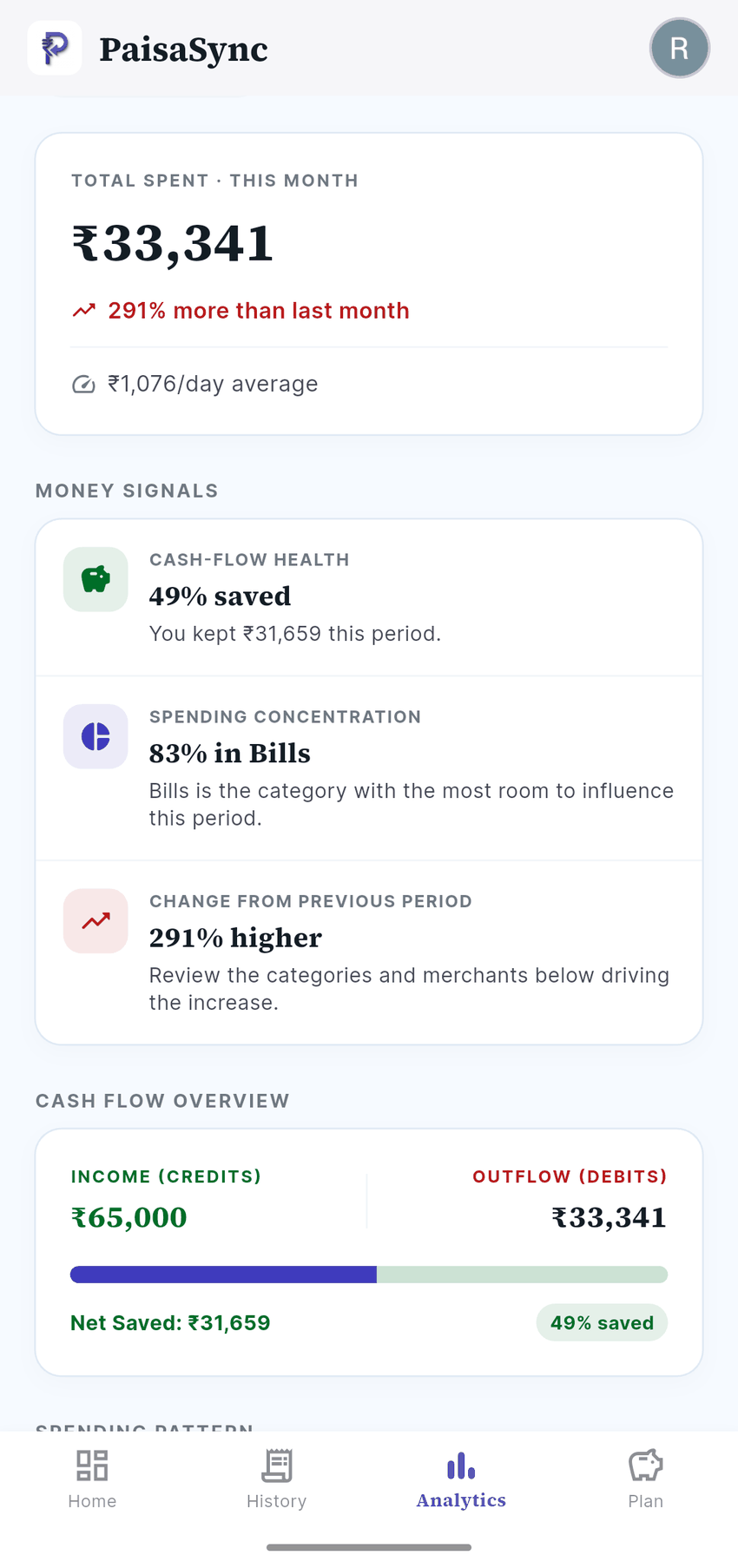
PaisaSync combines automatic transactions with budgets and limits, goals, recurring commitments, manual entries for cash or missing SMS payments, and category-level analytics. The result is a clean daily picture instead of a month-end surprise.

axio also offers useful money-management tools, including budgets, bill reminders, notes, tags, receipt photos and search according to its Play listing. If those are the features you care about most, axio is a credible choice.
But if you want the smallest possible loop between a payment and a better decision — payment → automatic entry → updated budget → better next choice — PaisaSync is built around that loop.
The privacy question to ask before you install either app
Do not decide based only on an app saying “secure” or “private.” Open the current Google Play Data safety disclosure and privacy policy. Look at what is collected, what is shared, whether it is linked to you, and why.
axio states that it does not read personal SMS or upload sensitive data. Its current Play Data safety page also lists collection and sharing practices that can vary by app version, region and how you use its wider financial services. That does not automatically make axio the wrong choice; it makes reviewing the details worthwhile.
PaisaSync’s promise is simpler: transactions stay in the local app database, and optional backups are encrypted before they go to your own Drive. If this is the boundary you want, PaisaSync is the clearer fit.
For more on why an expense tracker should never need your bank password, read how to track UPI expenses without a bank login.
Who should download PaisaSync?
PaisaSync is a strong fit if you recognise yourself in any of these:
- “I use UPI constantly and I am tired of remembering every expense.”
- “I want my tracker to work automatically, but I do not want to share my bank login.”
- “I want a clearer budget, not another app trying to sell me a financial product.”
- “I want my transaction history to remain private to me, on my phone.”
- “I need a practical way to recover after Android has paused an app in the background.”
You do not need to become a personal-finance expert. Start with the habit: let your digital spending arrive automatically, correct the occasional edge case, and look at the budget once a day. That is enough to change how a month feels.
The verdict
axio is a capable, established choice for people who want expense tracking within a broader finance platform. If that is what you want, it is the better fit.
But if you want an Android expense tracker whose core promise is that your spending history stays private to you, stays focused on your spending rather than financial products, keeps your ledger on your phone and turns transaction alerts into a useful daily budget, PaisaSync is the better choice.
Get started with PaisaSync and let the tracking happen in the background — while you stay in control of the money decisions that matter.
Comparison checked on 15 August 2026. axio capabilities and Data safety disclosures are based on its current Google Play listing and can change.