The short answer
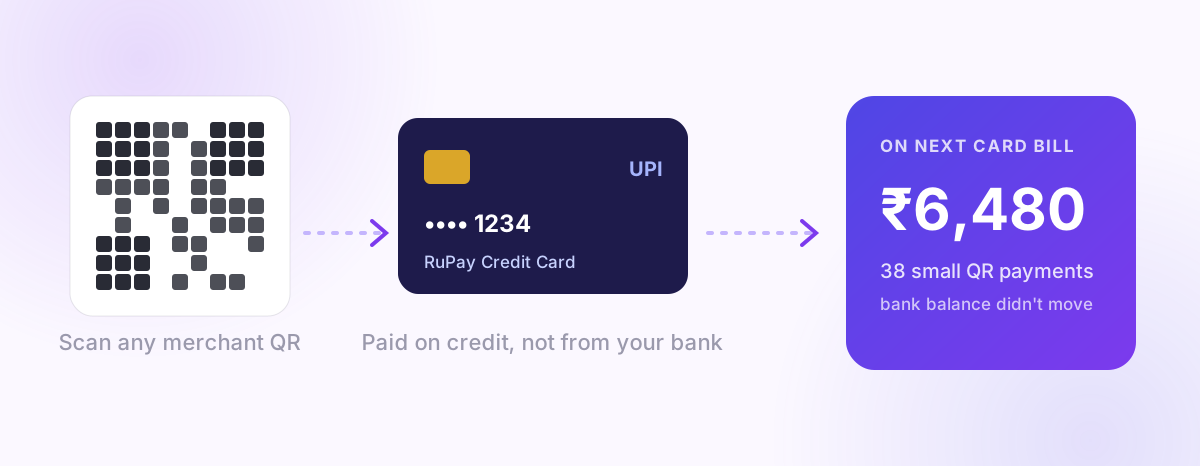
If you have a RuPay credit card, you can link it to a UPI app (Google Pay, PhonePe, Paytm, BHIM, your bank's app and others) and pay at merchant QR codes using your card's credit limit instead of your bank balance. The money comes out of your credit card, appears on your next card statement, and is paid off with your card bill.
It's convenient, and it can earn card rewards on everyday UPI spends. The catch is budgeting: it feels like UPI but behaves like a credit card, so small QR payments pile up on a bill you only see weeks later.
How it works
- Only RuPay credit cards can be linked to UPI. Visa and Mastercard credit cards can't be added this way.
- In your UPI app, choose Add credit card (sometimes "RuPay credit card on UPI"), select your card's issuer, and verify with the card details and an OTP.
- Set a UPI PIN for the card. It's separate from your bank account's UPI PIN.
- When you pay a merchant, pick the credit card as the payment source instead of your bank account.
Your bank then sends a card alert, not a bank account alert, for example:
"Txn Rs.250.00 On HDFC Bank Card XX1234 At merchant@upi by UPI 6291… On 29-10"
That's worth knowing: it's a credit card transaction, so it belongs with your card's spending and its bill, not with your savings account.
Where it works, and where it doesn't
| You want to… | RuPay credit card on UPI |
|---|---|
| Pay a shop or online merchant by QR/UPI | ✅ Usually yes |
| Send money to a friend (person-to-person) | ❌ Not allowed |
| Pay a small merchant on a personal QR | ⚠️ Sometimes declined; it depends on how the merchant's QR is set up |
| Pay rent, wallet loads, or some bill categories | ⚠️ Often excluded or charged; check your issuer |
| Withdraw cash | ❌ No |
If a payment is declined at a merchant, it's usually the merchant's QR type, not your card. Paying from your bank account is the fallback.
Charges and rewards
- For you, paying merchants by RuPay credit card on UPI normally carries no extra fee, but your issuer's terms decide. Some cards exclude UPI spends from rewards, cap them, or treat certain categories differently.
- Rewards are the main reason people use it: everyday chai, groceries and fuel on UPI can now earn card points or cashback. Check your card's reward terms for "UPI" before assuming.
- Interest is the same as any card spend. If you pay the full bill by the due date, it's interest-free. If you pay only the minimum due, interest applies, and card interest in India commonly works out to 35–45% a year.
The budgeting trap
On a debit or bank UPI, the money leaves today and your balance drops. You notice.
On a credit card through UPI:
- Your bank balance doesn't move, so the month looks better than it is.
- The real cost shows up weeks later as one large card bill.
- Small payments are frequent, so the bill is made of dozens of ₹50–₹400 items that are hard to recall.
That combination is how "I barely spent anything this month" turns into a surprise ₹18,000 card bill. (We wrote about the same effect for normal UPI in The ₹200 problem.)
How to keep it under control
- Track card UPI spends as card spends, as they happen. Don't wait for the statement.
- Set a monthly limit for the card, and check it weekly, not at bill time.
- Use it for one purpose (for example groceries and fuel for the rewards) and pay everything else from your bank account. That makes the bill predictable.
- Know your billing cycle. A spend just after your statement date has the longest interest-free period, and one just before it is due within a couple of weeks. See how to track credit card bills and EMIs.
- Always pay the full statement amount. If you can't, that's a sign the card is being used as extra income, not convenience.
How PaisaSync tracks it
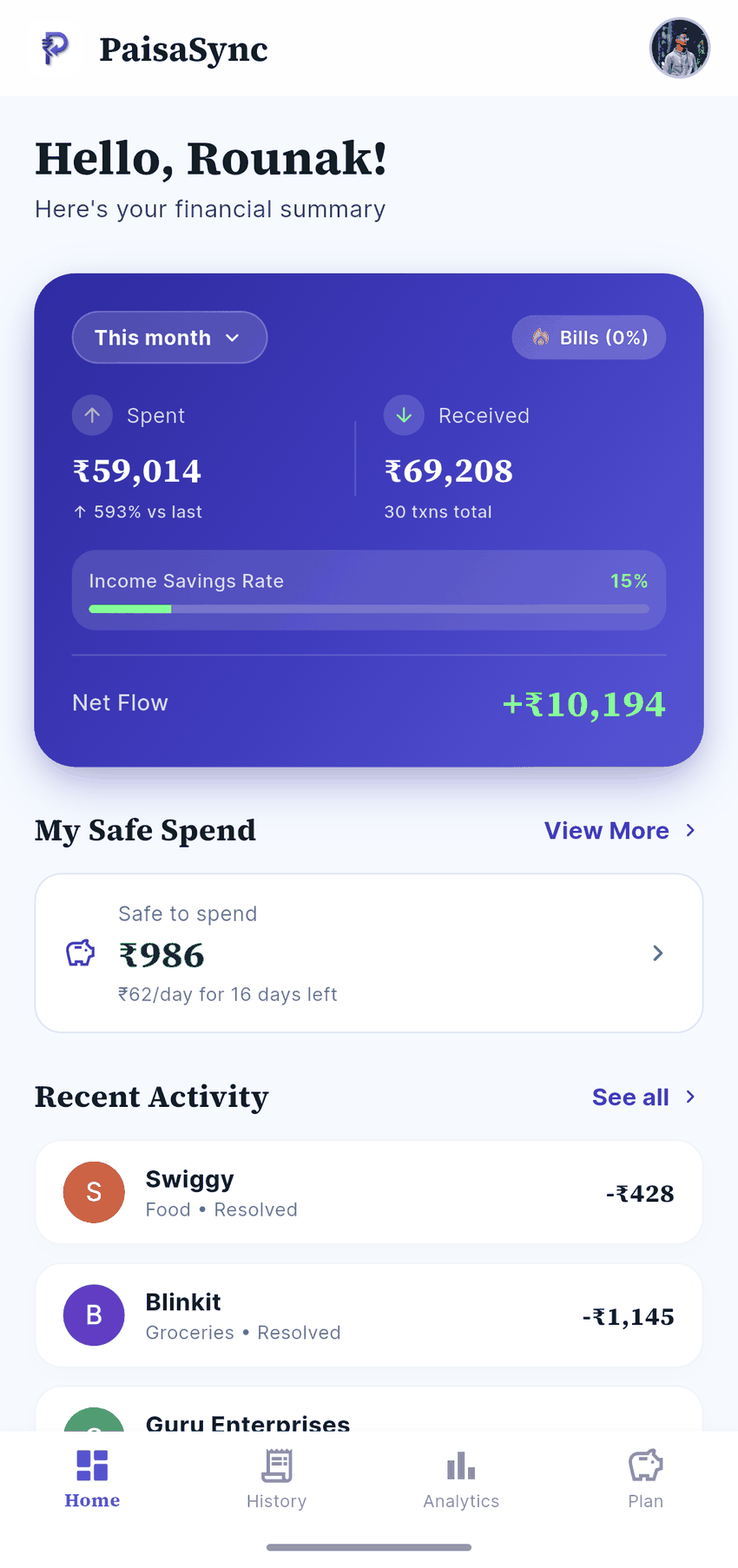
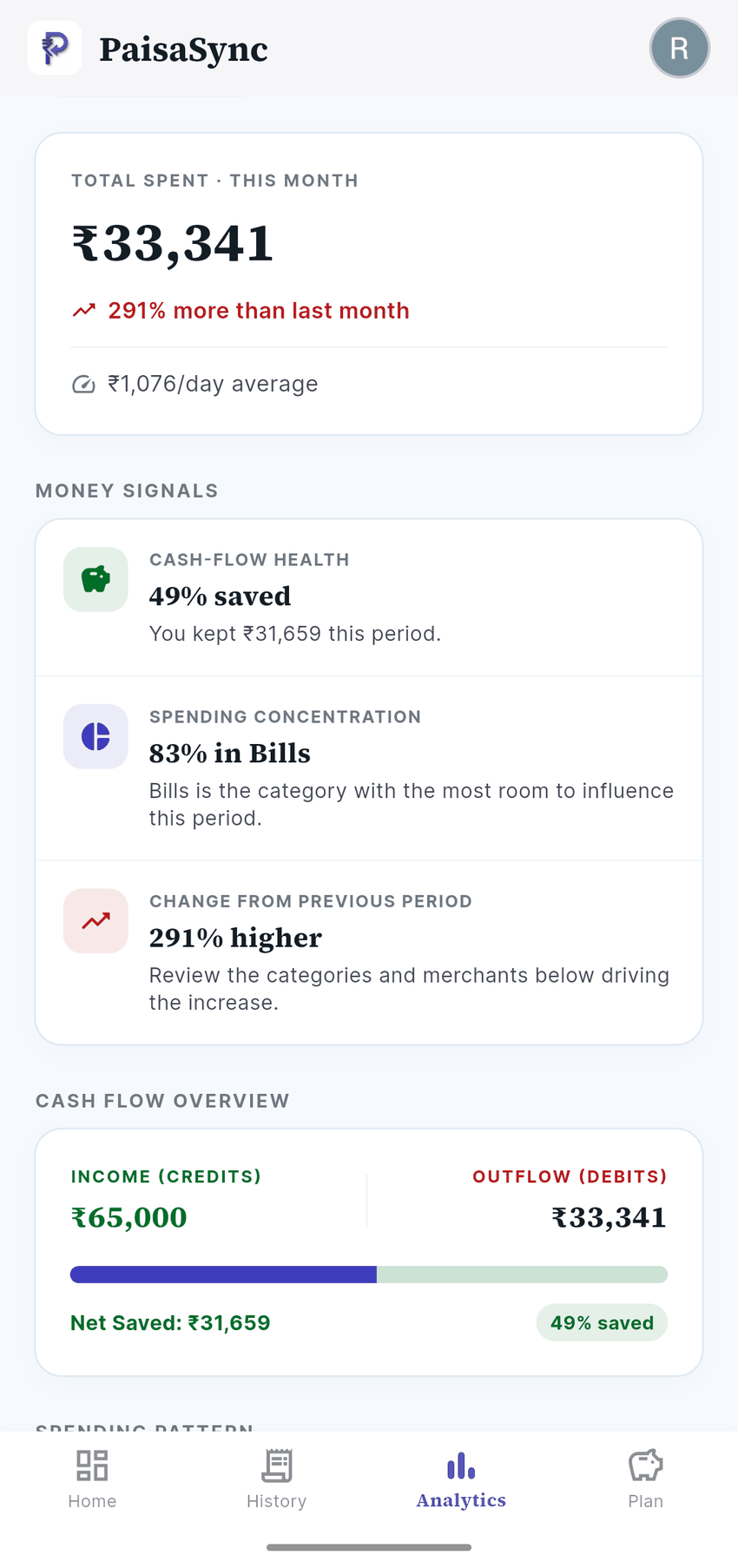
PaisaSync reads your bank's card alerts on your phone and records RuPay-card UPI payments under your credit card, not your savings account, with the merchant from the UPI handle. Your card's spending, its outstanding total and your overall budget stay accurate, and your bank balance view doesn't pretend the money is still there.
Support for HDFC's RuPay-on-UPI alert format arrives in PaisaSync 1.2.1, added after PaisaSync users reported it through Profile › Improve PaisaSync in the app. If your issuer's format isn't picked up, share it the same way so it can be added.
Bottom line
RuPay credit card on UPI is a genuinely useful upgrade: QR convenience with card rewards and an interest-free period. Treat it as a credit card that happens to use QR codes, track it as card spending, and pay the full bill.
PaisaSync keeps card and bank spending separate automatically, so the convenience doesn't turn into a surprise.